It worked. Thx for your effort
Ok I was too hasty 
it doesn’t work… I can Connect to the kb1. But I can’t make any changes in the settings.
Well, I can change the settings in the Browser App and when I Upload them with the Little arrow it says „settings uploaded to device“ but nothing changes on the kb1.
The last time I used kb1, I used chord mode. Now I want to go back to normal scale mode but it doesn’t apply the settings.
Might be the Problem, that I‘m still running on an older firmware, where you had to press octave up and down to activate bluetooth?
Oh yeah, that’s some very old firmware  The app will not work with older firmware.
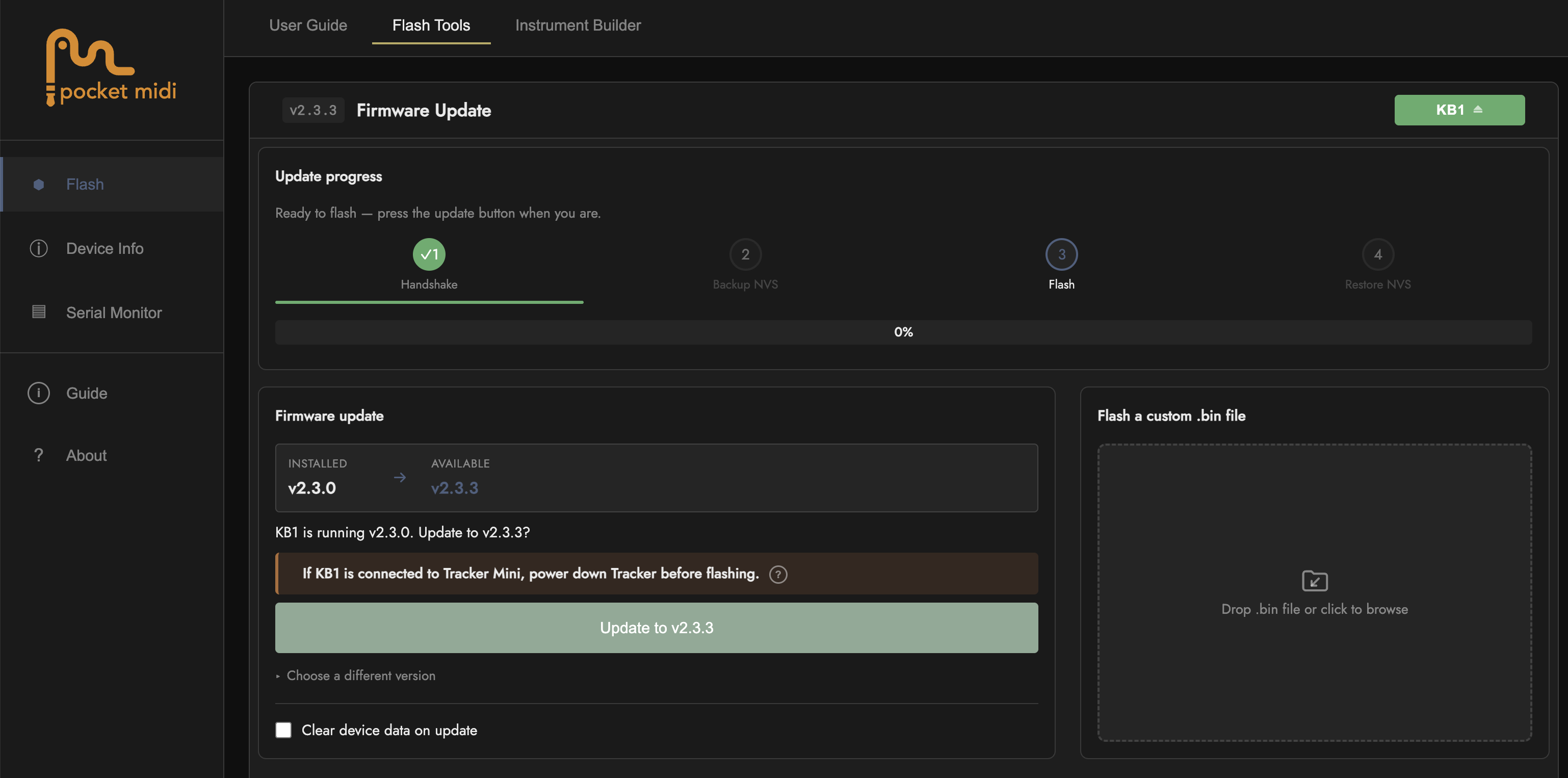
It’s very easy to update, just go here KB1 Studio in Chrome or similar chromium browser, go to flash tools tab, plug in the KB1 and hit the connect button. You’ll see a screen like this showing your current firmware and the latest version available. Just click the update button and Bob’s your Uncle. While your there, check out the new user guide section and instrument builder tool too 
1 Like
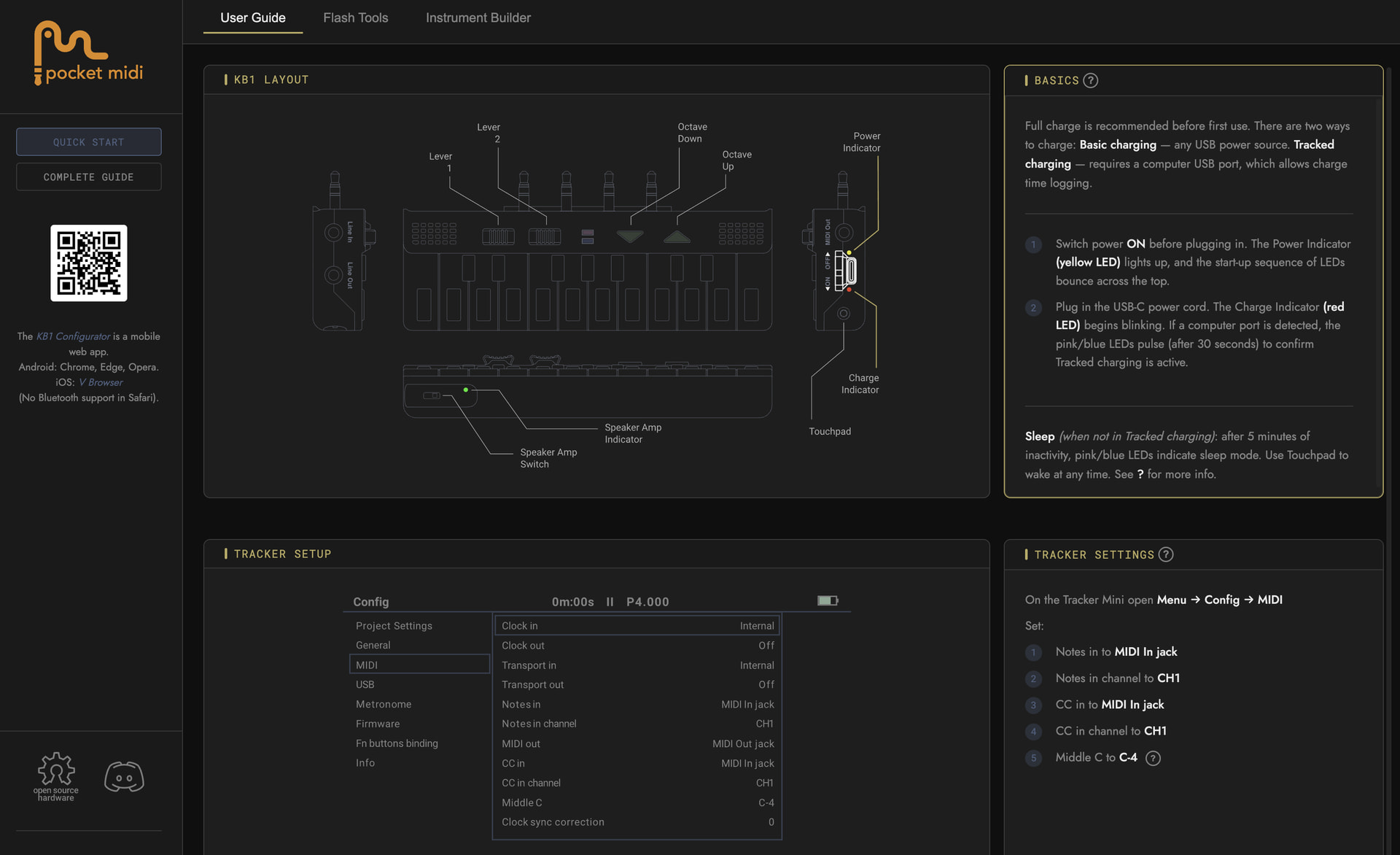
So I guess with all the 2nd batch excitement on my part, I neglected to announce here the latest KB1 Studio . I have built a semi-interactive comprehensive user guide that should be viewable on any browser desktop or mobile. And next to that are the Flash Tools and Instrument Builder (make PTI instruments mapped to KB1) which require a Chromium based browser like Chrome (of course), MS Edge, or Opera, since they communicate over USB (Safari will not).
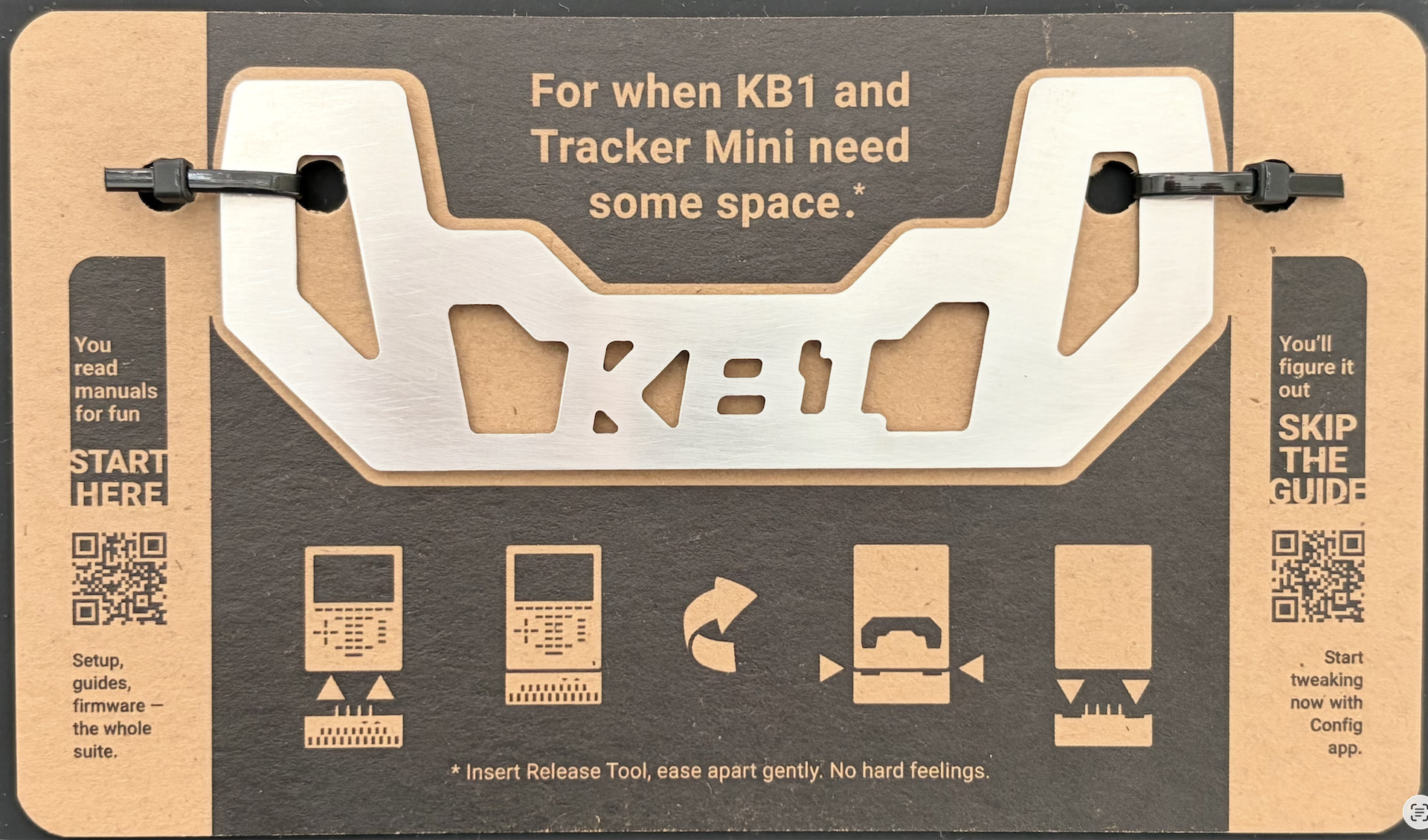
And this is what greets Batch 2 owners when they open the box. So if you have one of these tools from the first batch and forgot what it does… 
3 Likes
Yeah that would be Nice… but I don’t have a Computer here with me…
Any Chance you’re planning to make an App? 
Technically it is a browser based app. However I haven’t been able to get it to connect over usb on an android phone yet (may be possible but not simple) and Apple phones won’t connect at all. Some tablets may connect, but haven’t tried that yet. It has to do with the way they all treat connected usb devices.
But basically any desktop with internet access should work, like at a school, library, Internet cafe, hotel lobby, old girlfriend - if you can get access, it only take a few minutes.
Received my KB1 two days ago. Took about 3 weeks shipping with USPS and PostNL. But it was worth the waiting, it’s a incredible piece of hardware. When connected to my Tracker Mini it feels like it becomes one device, as if it always was a part of it. It has a very firm fit. The keys are responsive and make notes input so much easier.
@SeanMichaelJohnston is very helpful when you need some advice how to use the KB1. I had some (beginner) questions and he replies the same day. And the (web)app is a awesome tool to setup and configure it. The next days I will investigate how to use the chord and arp functions, it has so many nice features.
I can really recommend the KB1 if you own the Tracker Mini, it’s awesome.
1 Like
Thanks for the kind words.
My goal is for everyone to be able to access and navigate the web apps quickly and easily.
If anyone has any questions or issues, please don’t hesitate to ask. I’ve tried to add as much inline guidance info/help as possible, but I get that not everyone thinks the same as me and some things might not be as intuitive as I think they are 
At some point in the future I do plan on making a walkthrough video of some kind.
1 Like
You’re welcome, Seam.
And a video would be appreciated.