Introduction
- Did you just get a Polyend Endless and are having fun creating effects?
- Want to share it with the community but want to make it look super nice?
- Or do you just want some info on how to create your own Plates?
Well i’ve got some good news for you! This post will have you covered! 
How to share effects with the community
On Backstage we have a specific category for this, called Scene > Endpless Plates.
It’s part of the Scene categories which allow our community members to share their content.
So what do you need to do?
- Upload your creations here: Endpless Plates - Polyend Backstage
- Ideally you share the functionality / how it works.
- If you want to be super fancy, upload some sound examples to!
If you are looking for an example on how to structure your post. Have a look at this example.
Keep in mind that all uploads will need to be approved by our community moderators.
So thank you in advance for your patience  .
.
How to create your own effects
Polyend Endless allows technical as well as non-technical users to create effects:
- You can use the Polyend Playground. An AI assisted system that will generate effects based on your input/prompts.
- You can code your own effects. To get you started we’ve created a comprehensive setup guide to get you up and running quickly.
How to design your own plates / graphics
We have a couple resources to help you create graphics as well as your own plates.
Creating Plate graphics
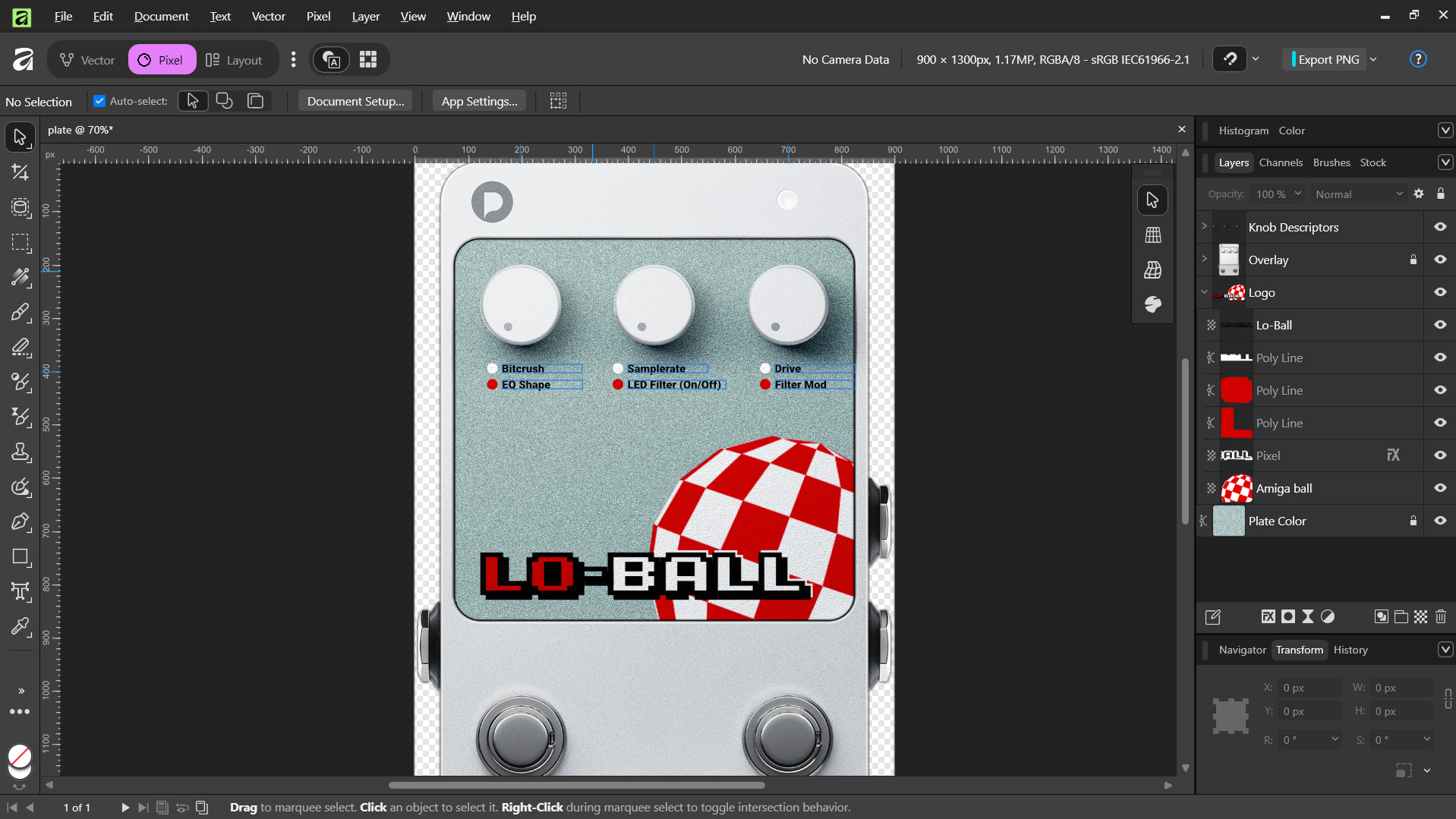
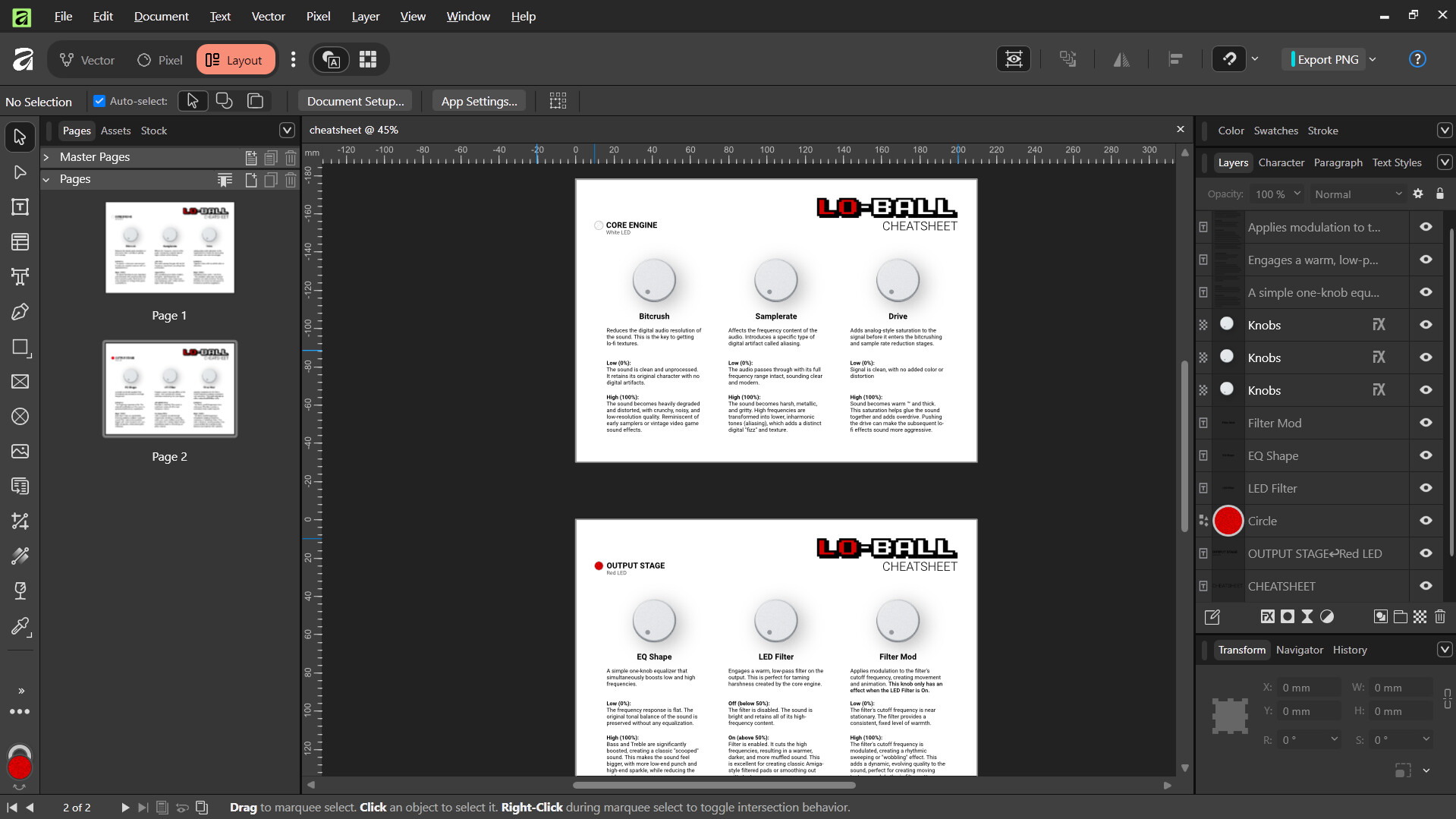
We’ve prepared two Affinity 3 templates for you.
Think of Affinity as a combination of Photoshop, Illustrator and In-Design, all in one package.
It’s free to use and pretty powerful.
Affinity is free and available for Windows and Mac. If you are on Linux: yes you can run it too.
Download Affinity Templates
Affinity Templates.zip (6.7 MB)
What is included
- a template for designing your own Plate (
plate.af) - a template to create cheatsheet pdfs for your effects functionality (
cheatsheet.af)
Preview
Creating your own physical plates
We’ve created a small pdf document containing the dimensions and information regarding the physical aspect of the plates. This should help you create your won hands-on plates.
Download Plate Drawing
Endless_Plate_Drawing.pdf (24.4 KB)
- If we have more resources or tips/tricks to share, this post will be updated.
- If you created resources yourself that you think the community could benefit from? Please share them with us.
- Hope you will find this useful
