As a huge fan of the Play series, I’ve built a free browser-based tool designed to make creating sample packs for the Polyend Play/Play+. It makes pack creation easy, fast, and visual.
I hope you enjoy using it and welcome your thoughts.
KEY FEATURES:
• Completely free (support through donation if you love it)
• Drag & drop files or entire folders (WAV, MP3, AIFF)
• Vintage Sampler effect option with authentic hardware character
• Auto-naming all samples by category (e.g., kick_1, kick_2) with one click
• Auto-leveling switch for consistent volume
• Auto-trim silence switch for optimized memory
• Waveform editor with cropping & slicing
• Direct USB export to Play Plus!
• Automatic 16-bit/44.1kHz conversion
• Save projects for later editing
• Supports up to 255 samples
• Works offline - everything runs locally (your samples stay yours)
WHY USE THIS TOOL:
No more manual sample preparation! This free tool handles all the tedious work - format conversion, organization, naming, volume matching, and even adds vintage sampler character. Export directly to your device or create reusable project files.
PRIVACY FIRST:
All processing happens in your browser. Your samples never leave your computer. No accounts, no signups, no uploads, no tracking.
Rad! I imagine this will come in very handy for me and my workflow. I’ll be trying it out very soon. Will def support if it helps me as much as I imagine it is going to. Thanks!
I really appreciate that! My personal performance style is very spontaneous and improvisational, so I wanted a tool that was able to meet that demand.I do hope you have a ton of fun with it.
Ps, be sure to try the chop tool on some of your loops; It instantly creates individual samples out of your slices which I find to be very satisfying.
Yes that should speed up things significantly as a big part of my process lately involves resampling and slicing my pattern stems from Tracker on the Play which I am currently doing fairly manually.
Ah, I was able to replicate it. Made some updates now in v1.0.2 (see bottom right of app to confirm your version) that make it a bit more graceful about timing out in more defensive environments but added a heads-up to visitors via the first time welcome screen so they know to temporarily disable if it’s an issue. Thank you, Sandro!
This is awesome! Thank you for making this. I made a feature request for something similar a few months back, but never thought it’d be granted like this lol very cool stuff!
Thank you so much for sharing this. This kind of tool, which is (somewhat) similar to the Move Manager (Ableton Move), is truly extraordinary. It greatly simplifies tedious and largely irrelevant tasks related to music creation.
 KEY FEATURES:
 WHY USE THIS TOOL:
 PRIVACY FIRST:
 . This is incredible. Thanks for sharing with the community.
 small gotcha in case anyone else runs into it:

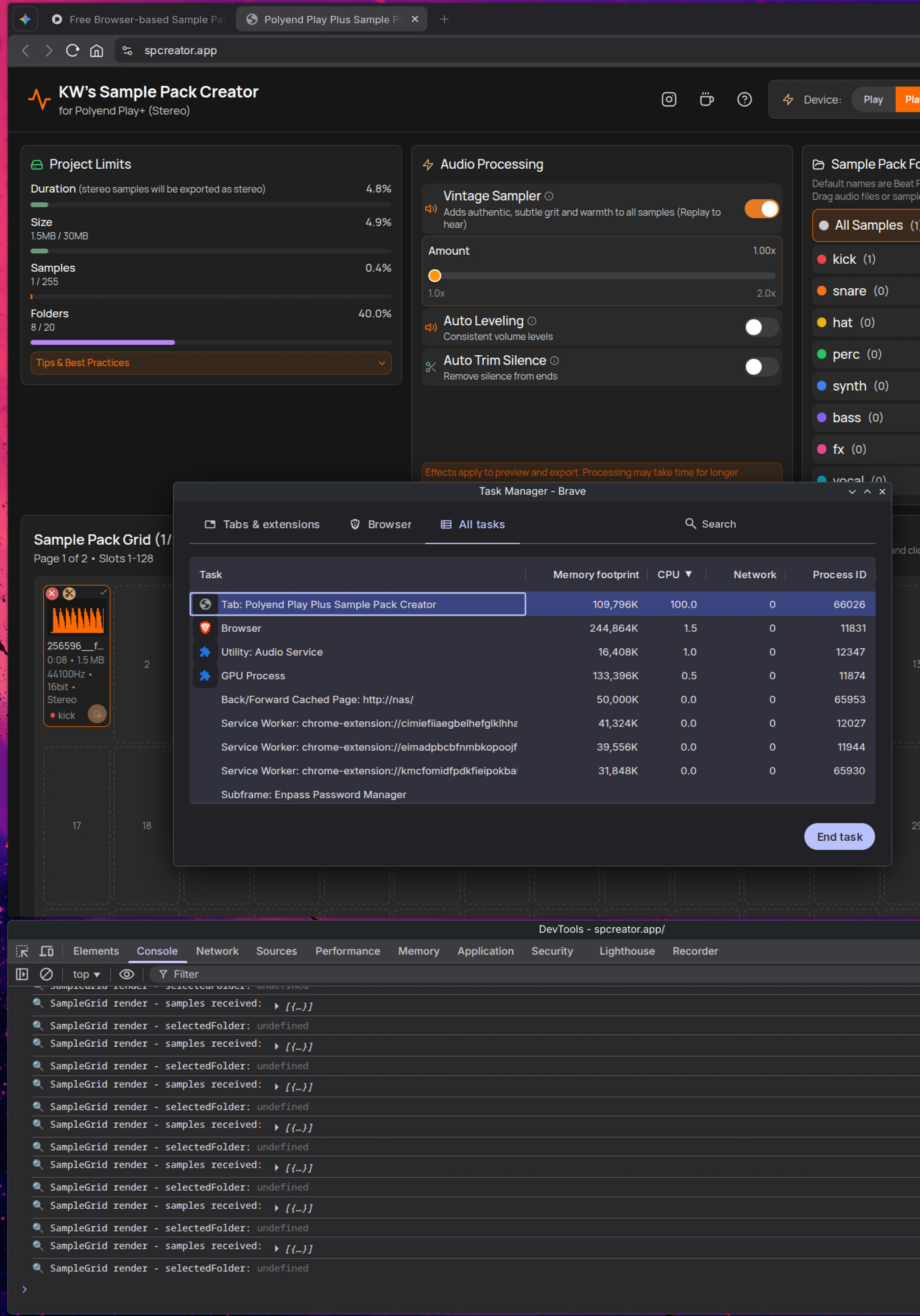
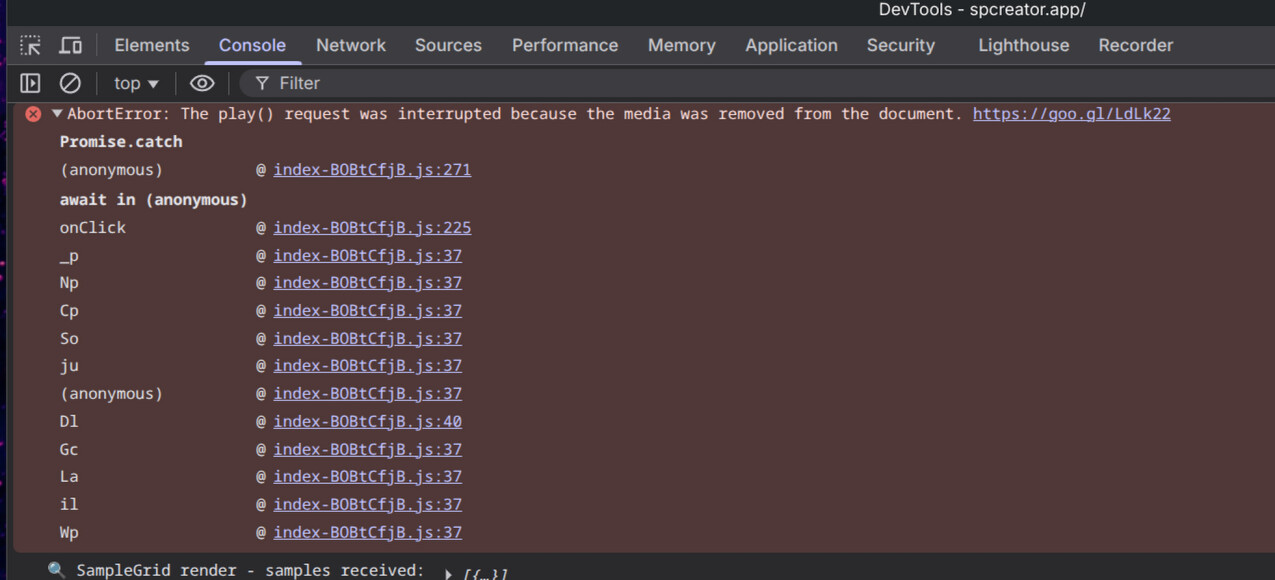
 )
)