Hello,
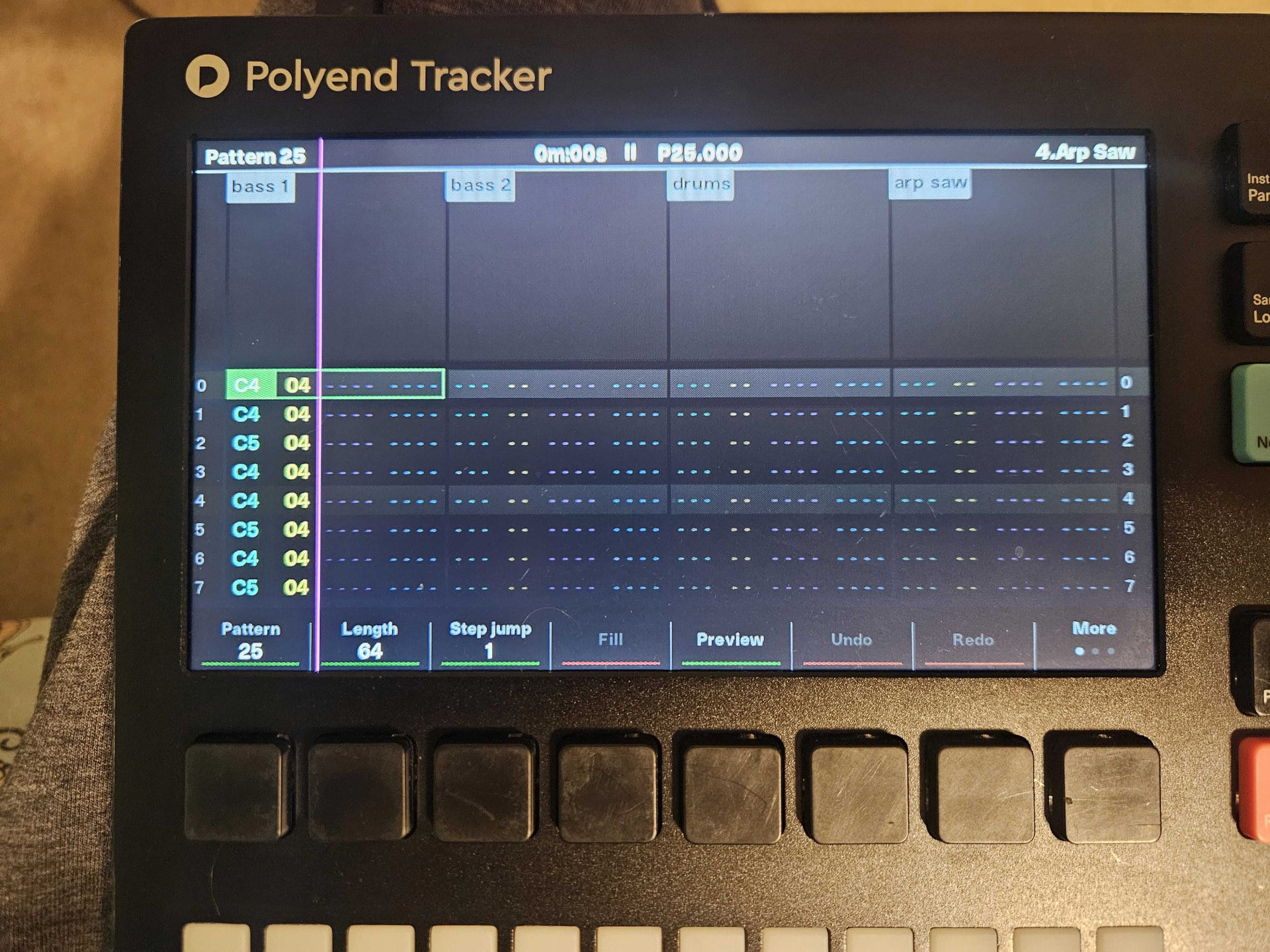
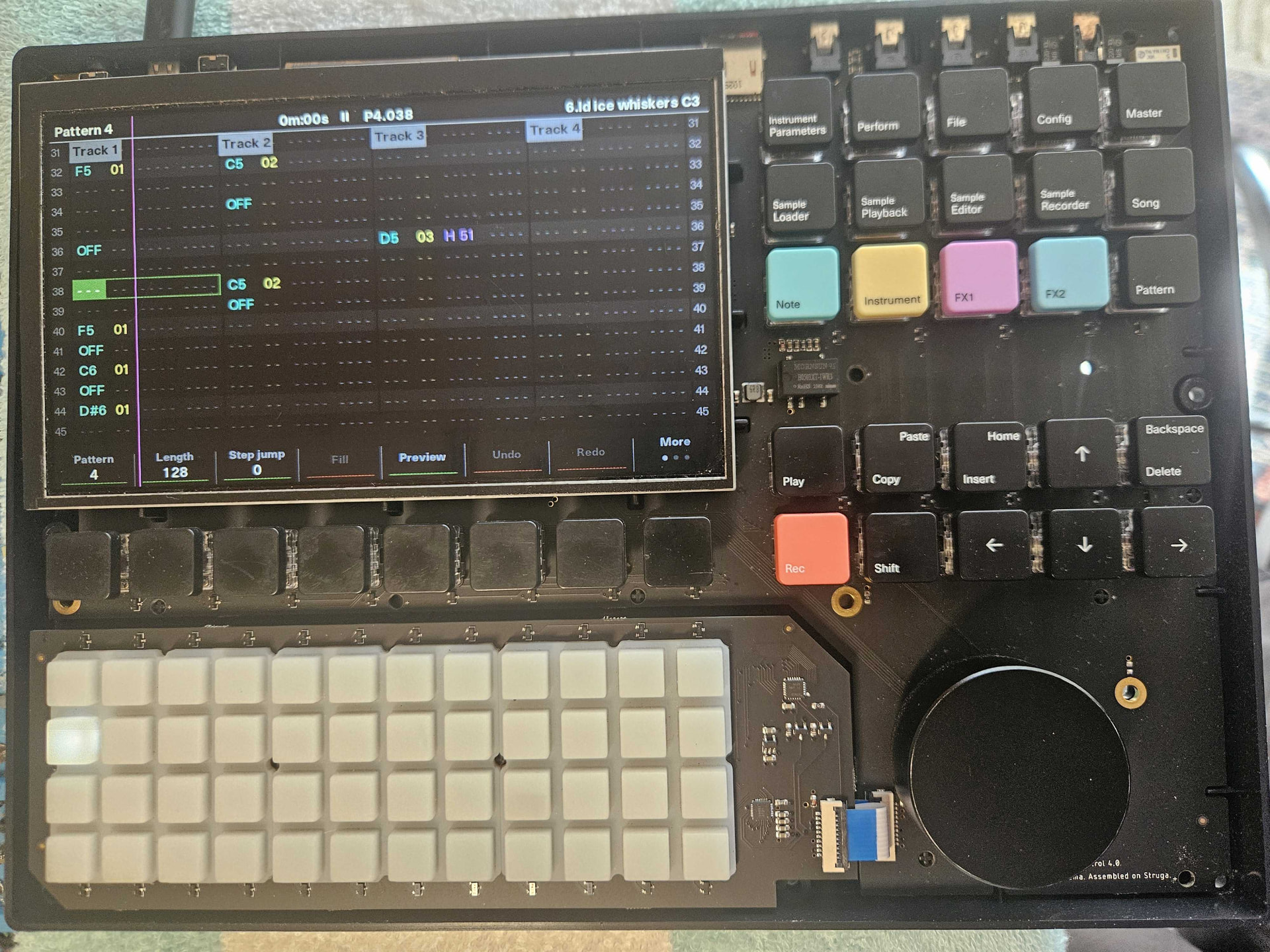
I fired up my OG Tracker a couple of days ago after not using it for about 6 months (I store it in a thick protective case) and saw a vertical purple line on the screen (attached picture)
I saw a few people report having a few lines like that after upgrading to firmware 1.8, but those issues look different.
My tracker is on version 1.8 for years, so I do not think that has anything to do with it.
Has anyone had any similar experience?
Thanks
My first assumption would be a loose display cable.
Does it change if you „shake“ the device?
There are no loose parts inside, so a good shake shouldn‘t make anything worse but might move the cable enough to see if anything changes.
1 Like
@Sandroid Thanks for the quick reply.
I shook it well  however, the line is still there where I turn it on

Any other ideas / suggestions ?
I mean if you aren’t afraid of getting your hands dirty. you could open it up and check the screen ribbon cable if it has come loose. Else it might just be an aging screen.
Those can be replaced however.
Software wise everything else is still ok though?
you could also give the metal connections a clean with some deoxit or even rubbing alcohol
@Sandroid Yes, software-wise everything seems to work fine.
I might do what you suggested; I just have to figure out how to remove the sticker in the middle of the cover without harming it.
@john.boys Thanks for the suggestion. I have 91% alcohol and contact cleaner, so I can use those.
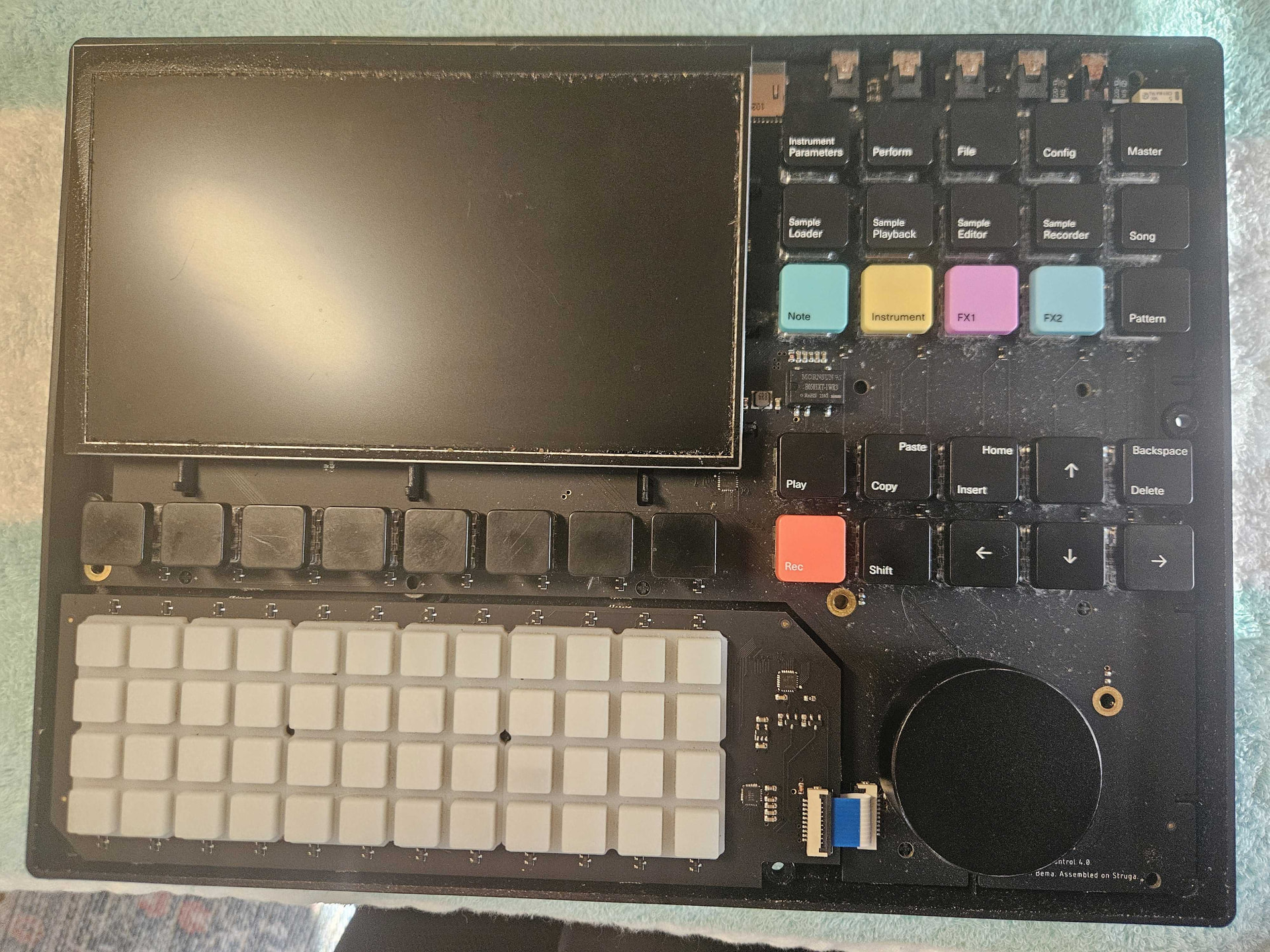
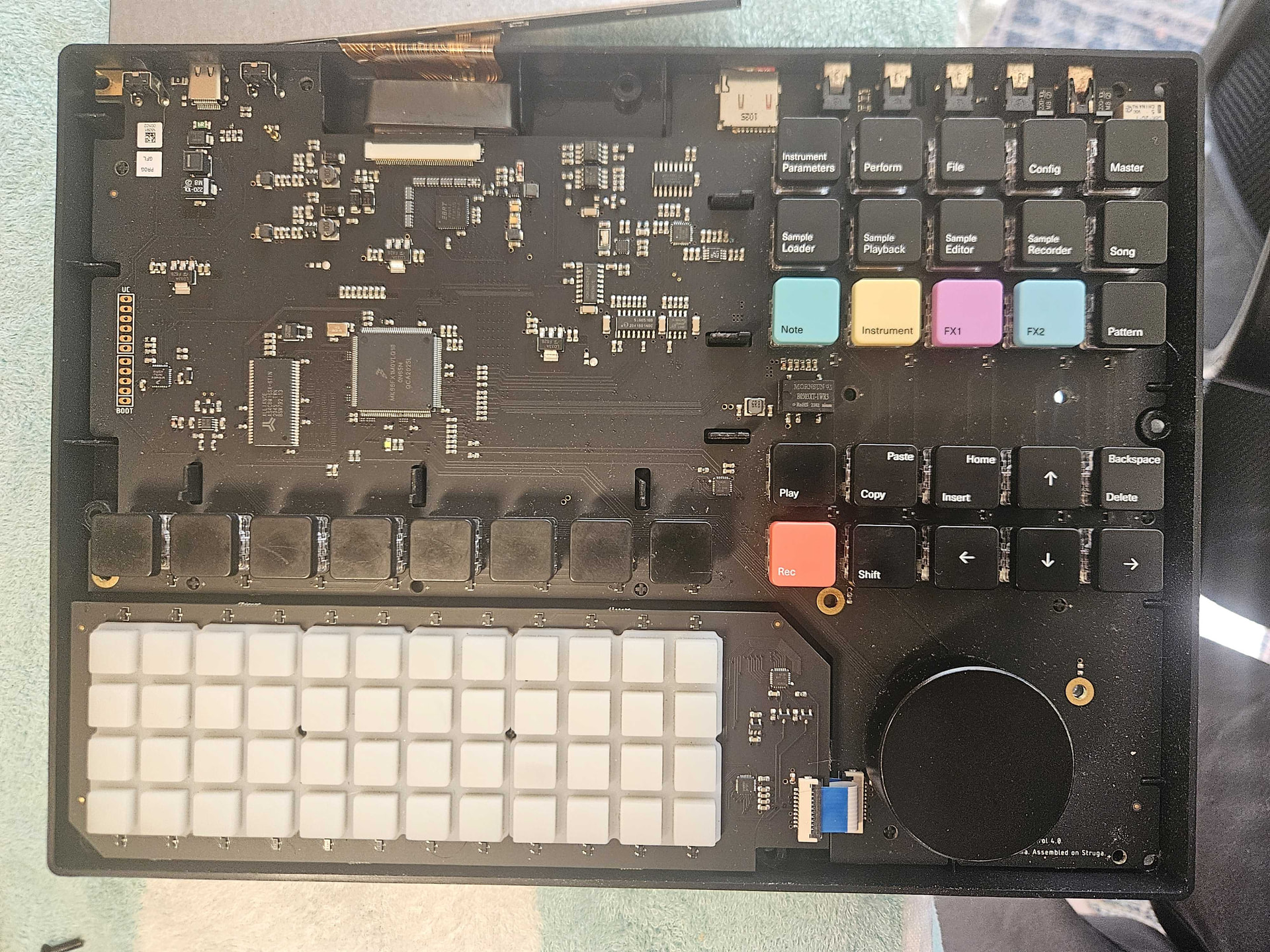
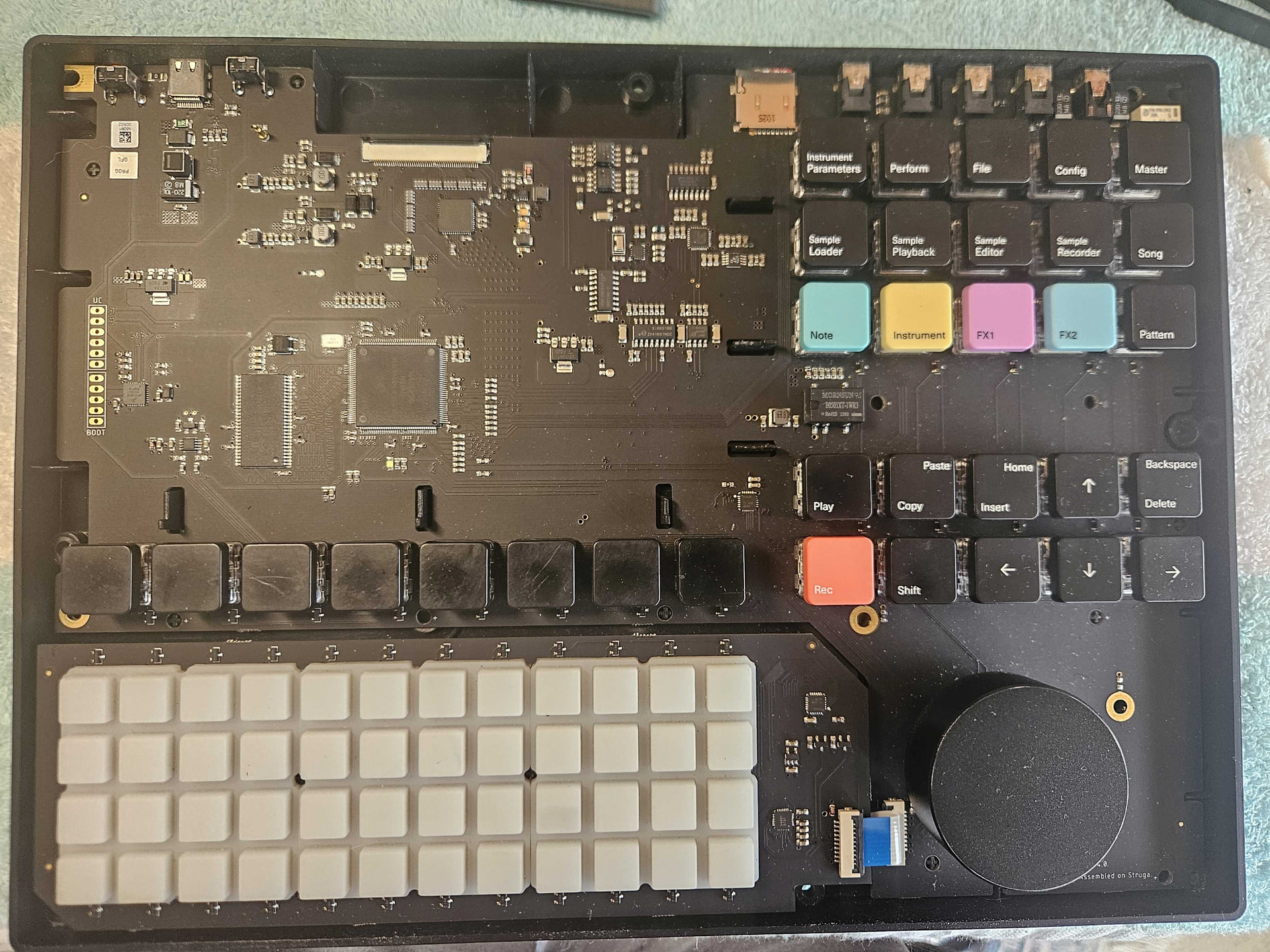
So I took it apart; it was very easy to do.
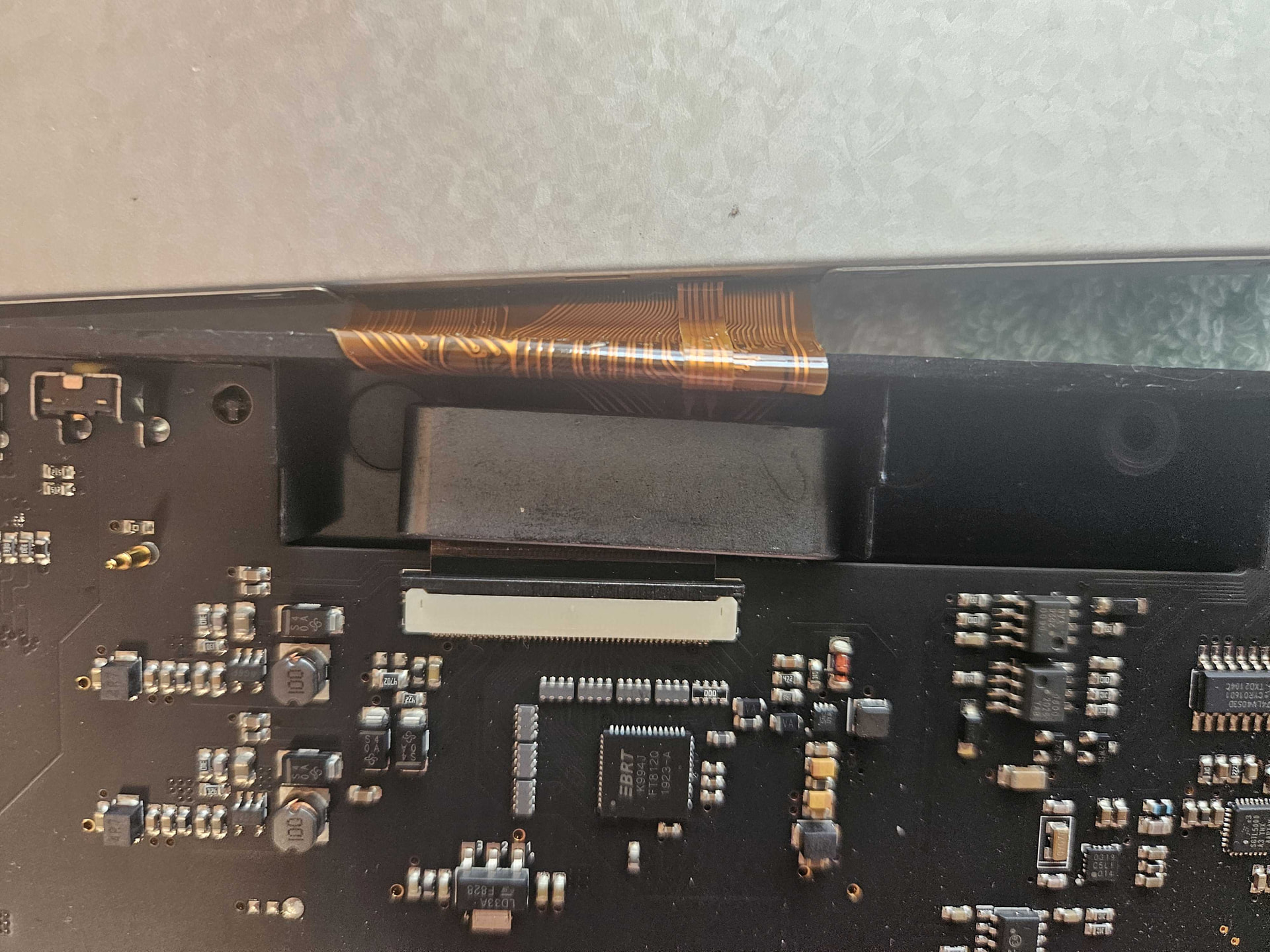
I cleaned the LCD screen port and the LCD cable with some 91% alcohol
Put it back but unfortunately it did not help; that vertical line is still there.
I did give it a decent clean using my air blower and cleaned the screen.
It is still perfectly usable as is right now; maybe I’ll just see if I can source the screen.
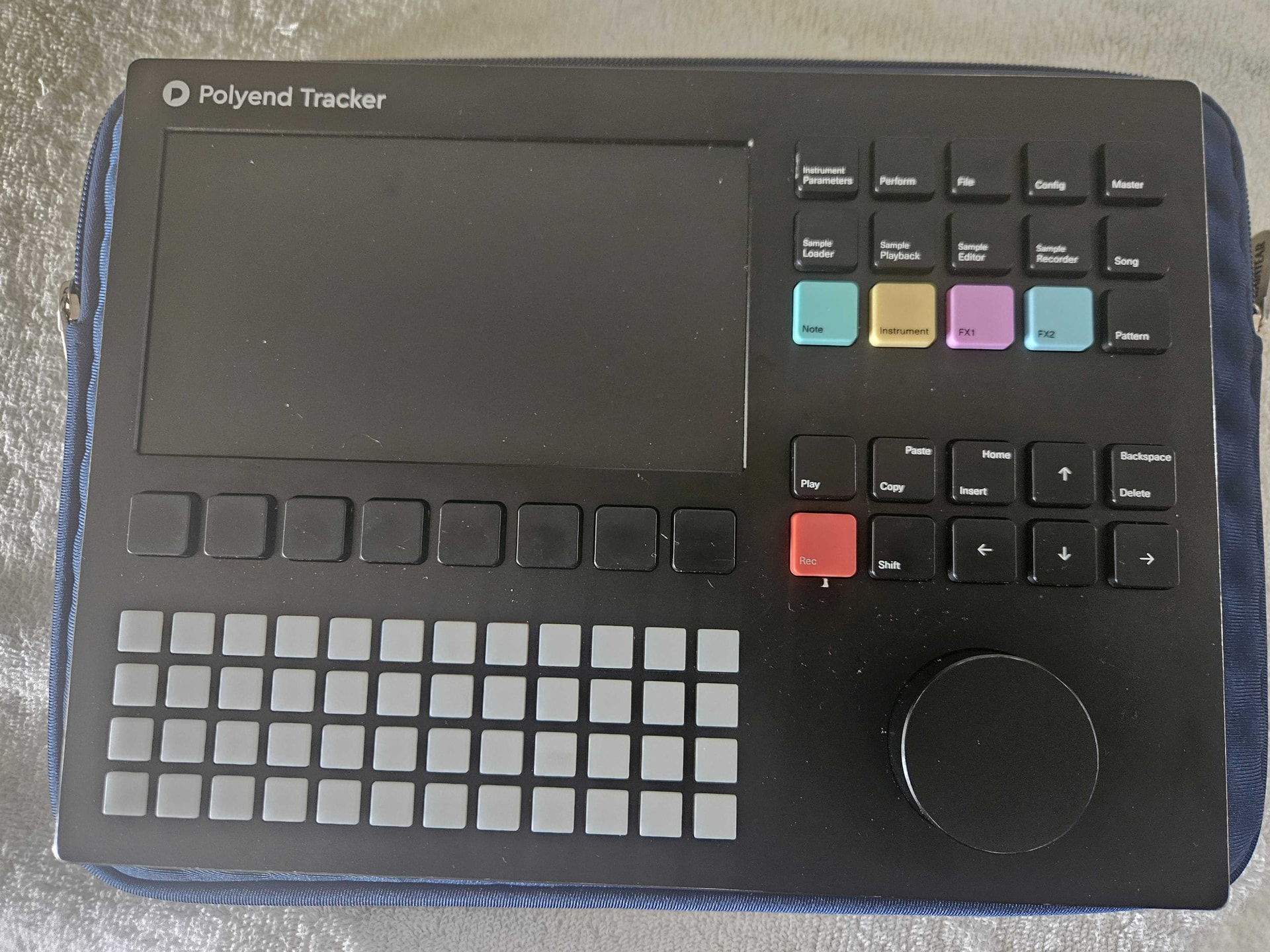
I took pictures of the process so if someone has the same issue,
or just need to disassemble, they can see what it looks like.
Some tips—use a tweezer for almost everything—
-
To peel the sticker off the cover, you do not need to peel it off completely, just the sides
until you see the screws
-
to pry open the case from the bottom (the side that DOES NOT have the ports) and take out
your SD card before starting.
-
to push on the small tab that locks and opens the LCD cable
Anyhow, thank you for the help and keep making more great music !!!
1 Like
Yeah then it’s most likely just the panel.
As far as i know, those aren’t any custom panels and you should be able to find replacements.
So there are two options. Contact the customer support, or be even a bit more adventurous and google for display replacements for the tracker 
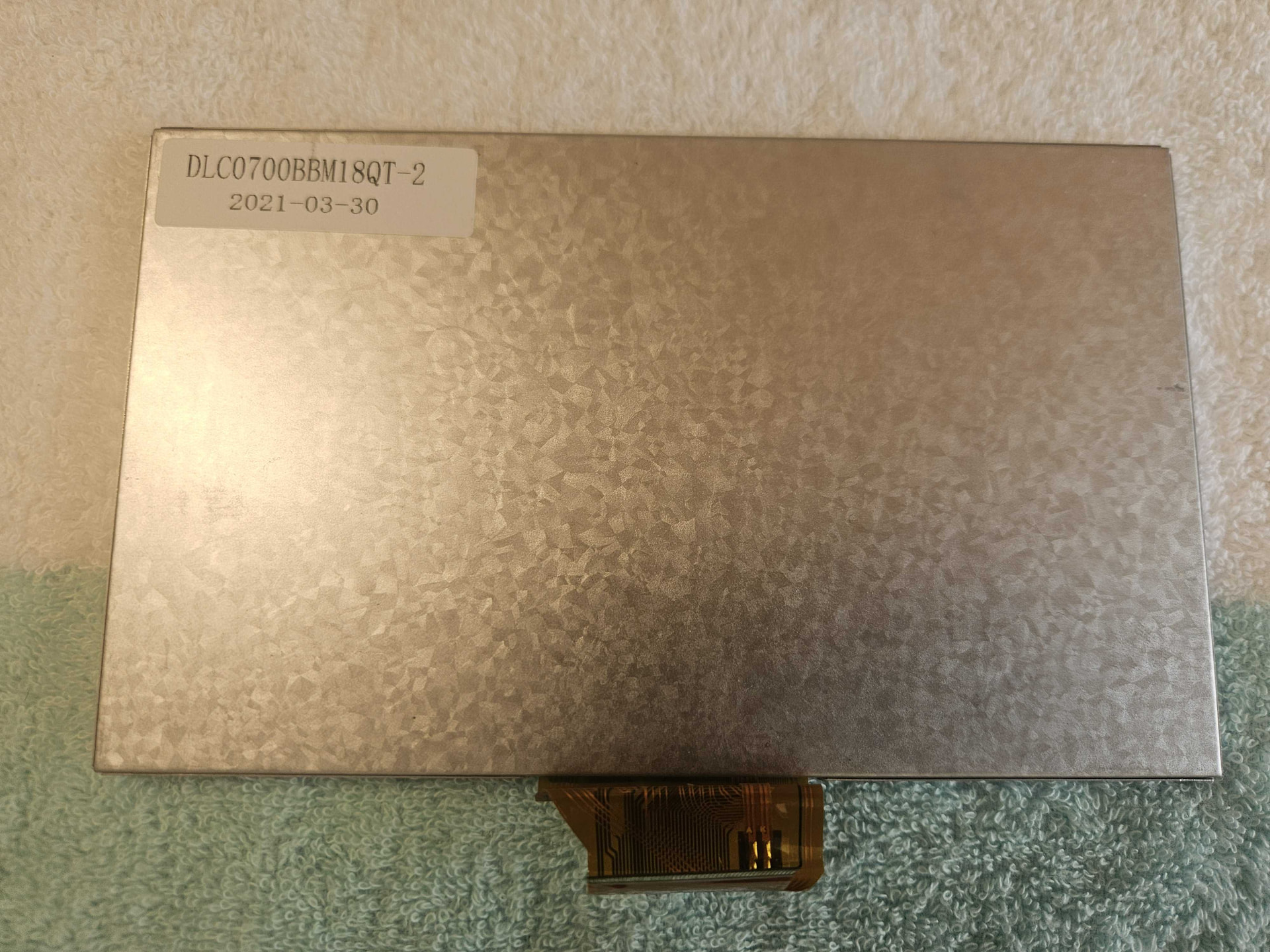
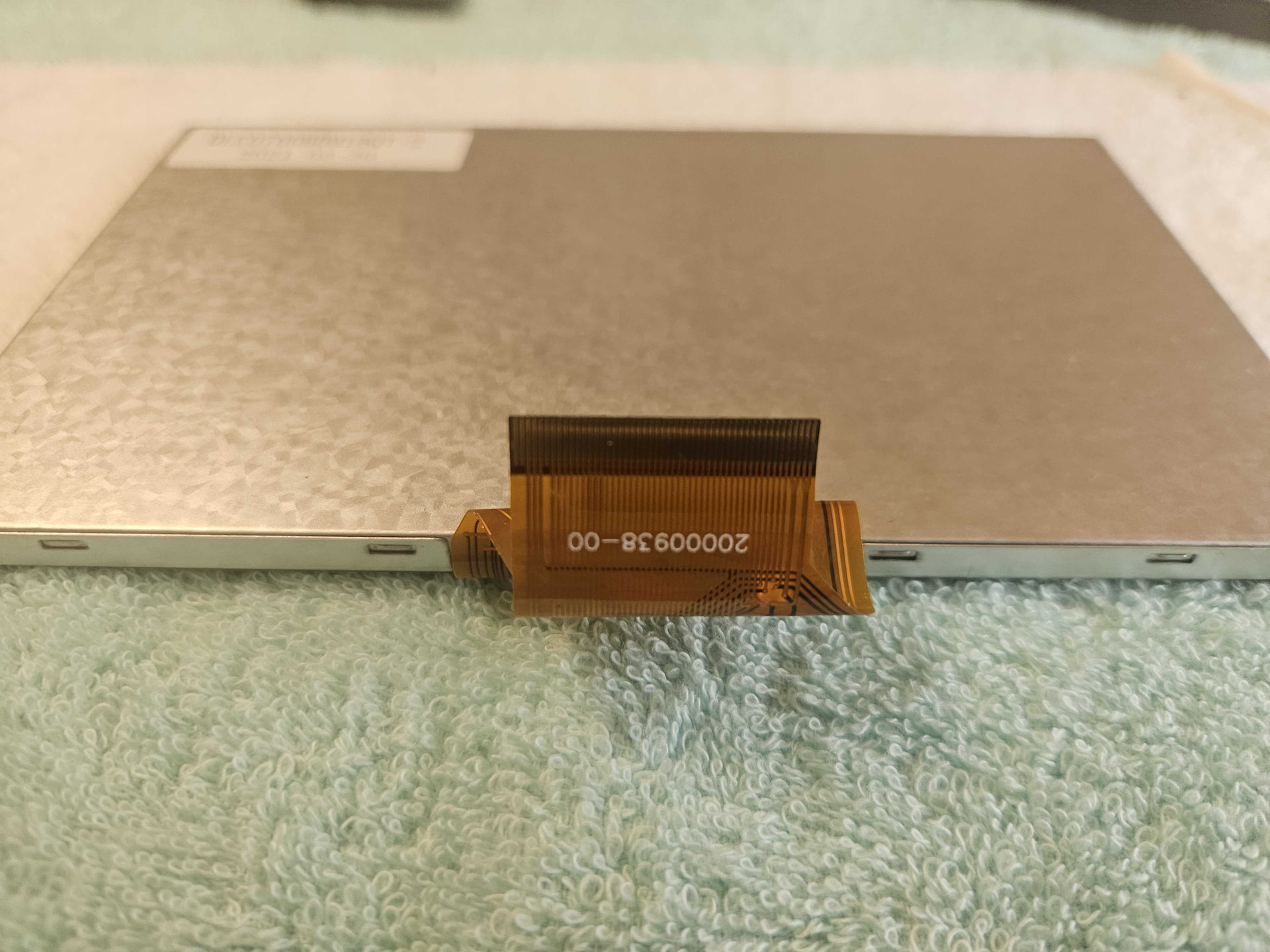
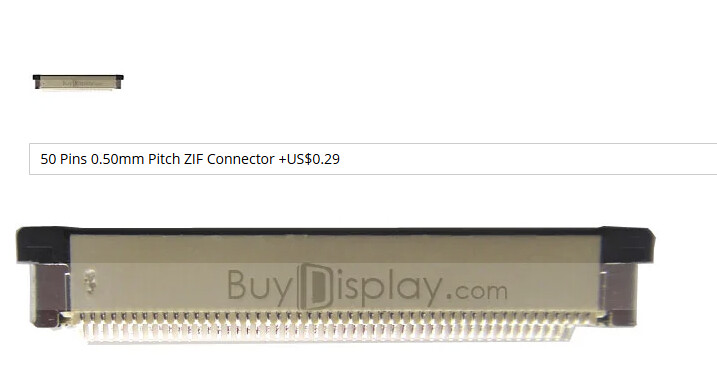
i think that’s the one yes. Make sure to choose the 50 pin connector for it.
@Sandroid Thanks. Not sure exactly what you mean by your comment to choose the 50-pin connector ?
Do you mean to also order what is in the attached screenshot?
Because that is actually the part that is connecting to the LCD to the motherboard of the tracker, could you please clarify
Thank you
Ah you are right sorry. I thought they might offer a different cable for other connectors.
@Sandroid yes, looks like the cable comes with the screen; I hope it will fit.
I will order it, and update the thread after it arrives.
Thank you for your help
1 Like