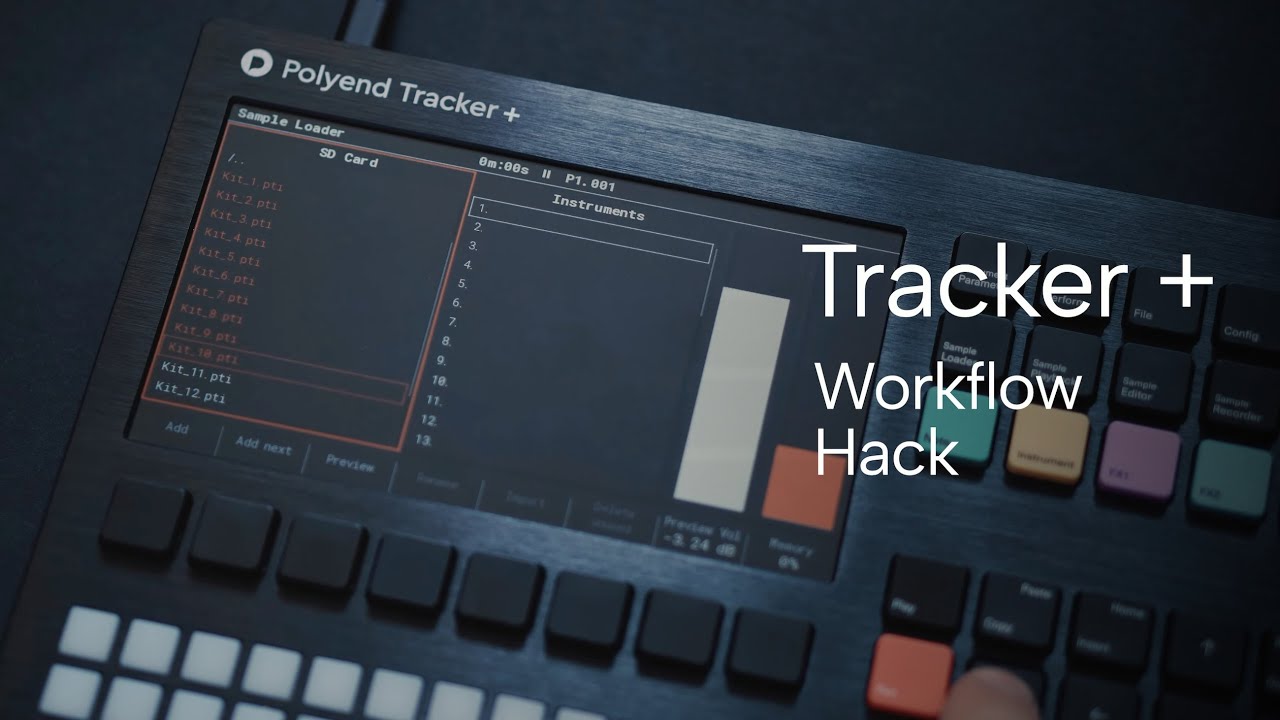
Using the Foundations : Techno pack this video shows the super-quick workflow when using the .pti kits.
Using the Foundations : Techno pack this video shows the super-quick workflow when using the .pti kits.
Somehow this was disappointing.
The general idea of exchanging instruments which have a similar slicing is nice, but I was expecting more when I read the term “workflow”. More about arranging, sound design with synths or samples and FX, exporting, when to refine what, idk.
But maybe I just didn’t get it.
I think you miss the point. Polyend are doing the work of creating a kit for you. Saves you time, at the cost of a loss of control, but effectively they split the pack into a single sample for you to use as slices. I do my own, but I can see the appeal, and it’s a fast way to get a kit in place.
ok, I get your points.
Having all the samples in a single instrument, readily sliced and probably in a standardized order which is valid for more than one pack does have it’s advantages.
Percussion sets come to my mind, it would make it VERY easy to switch between them.
Thanks for clearing this up:)
Bought the techno pack that has the pti instruments. Created some random patterns. SUPER FUN!!
want to create my own now.
thank you!!!
Glad you are enjoying them. They seem popular and there will be more dedicated packs like this, but also I’m aiming to make .pti kits for all ongoing packs where at all possible.
I would really like the functionality to pick multiple samples and just add them to a beat kit. With the slice points being the end/start points of the sample. It would make the workflow far smoother and less time consuming.
hold that thought, there’s a third party solution coming - it’s what i’ve been using but the dev keeps adding more and more functions!
Hi, I’ve got something I’m hopefully gonna make a brief video for today. Thanks for mentioning this thread to me, @AlexC !  it (the video) has been a long time in coming.
I reckon it’s definitely something that you should work towards in the box. You already have the ability to load multiple samples and the memory management is in place. Should be able to easily load multiple samples and have the PT concatenate them and add slice points at the joins.
Please could you provide a link to the third party solution - if it is available.
yes, but it’s work in progress and requires renoise.
I don’t understand one thing.
I make a lot of samples in my draw one after another, then export
Then I copy that exported file into one sample folder inside SD card of tracker mini.
Open a new project, load that long file and choose auto slice
Everything works ok. I’ve created a .PTI inside the project’s folder
Now I want to copy it to my instruments folder inside the SD card but I don’t know how to export it to that folder unless I would need to insert the SD car in my pc again and copy the sliced .PTi into the instruments folder.
I made this to have my instruments all grouped inside one folder. Is there and easiest way to do it?  Thanks!
Atm you can’t.
Workflow suggestion, save as a new project, give it a meaningful name like “basses” or “glitch stuff” and load your pti in a new project from there.
Ohhhh I discovered that the sample always comes back to slice number one if you don’t put a FX slice.  it would be awesome that the slice would be always in the last slice that has been chosen in the FX so you would have advantage of the 2fx slots…. I always thought that it was the case…
hi @monty - here it is