What is the problem?
Currently in the T+ there is no way to fix timing of specific parts of a sample if it has internal rhythmic inconsistencies—such as a live drum break with natural “swing” or a vocal take that is slightly off-beat—.
What should this feature achieve?
A dedicated “Warp” mode within the Sample Editor that allows for:
-
Manual Anchoring: Placing “warp markers” directly on the waveform to pin specific transients.
-
Elastic Manipulation: The ability to “nudge” these markers to elastically stretch or compress the audio between them, similar to a “liquify” or “smudge” tool for sound.
-
Visual Alignment: A simplified note/grid indicator at the top of the screen to help align these markers to musical divisions without needing complex numerical menus.
-
Metronome Feedback: An option to play the audio against a metronome within the Warp editor so users can hear the timing corrections in real-time before committing the render.
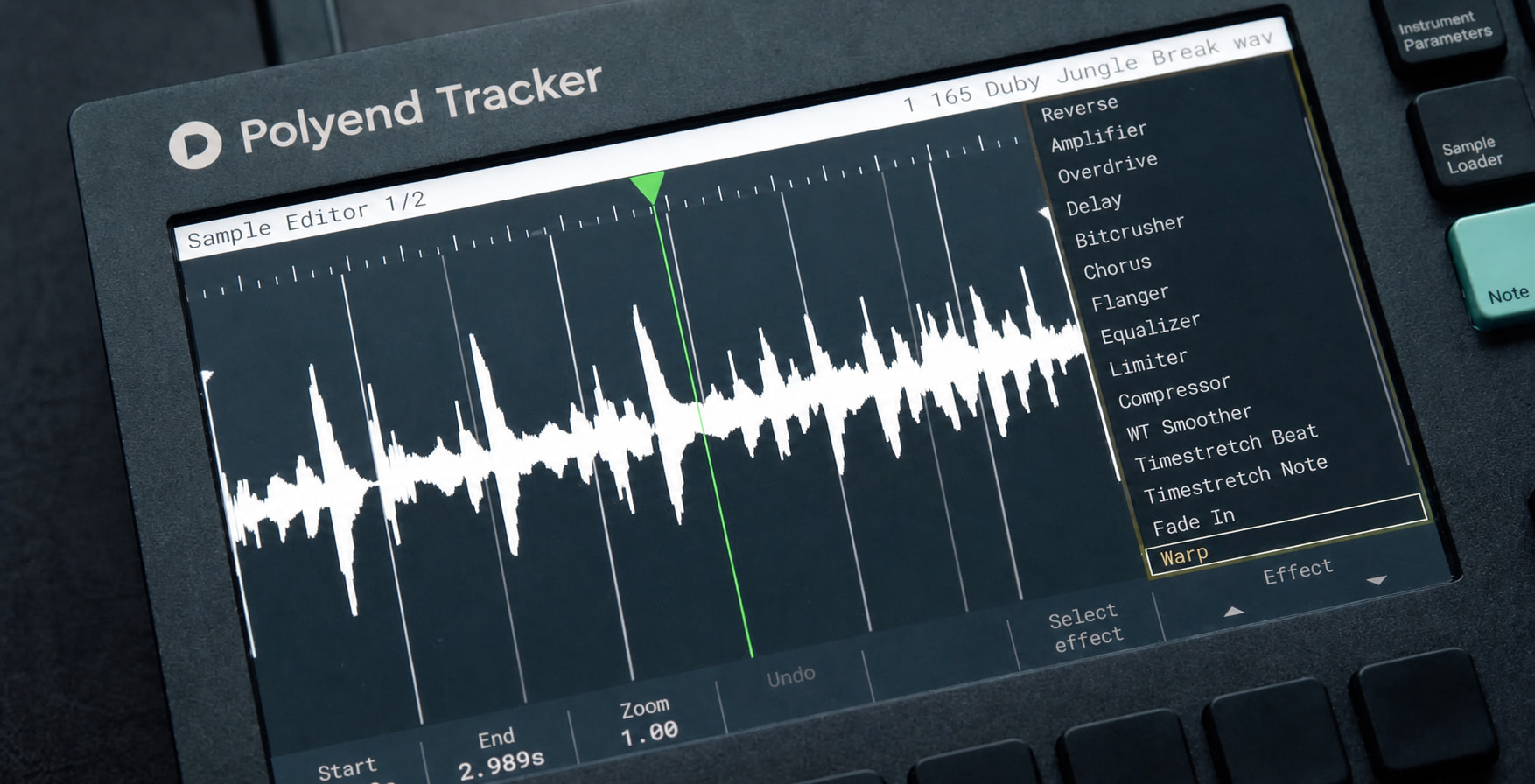
Implementation Considerations:
The base algorithm is already implemented (time stretching). The function should be applied to the sections in both sides of the markers (stretching one side and shrink the other one).
Research if it is better to apply it linearly or exponentially (shorter grains when closer to the moving marker)
Since the Tracker is more a surgical composition tool than capture-the-vibe, I think this feature is perfect for this device.
Are there any workarounds?
The current workarounds are tedious, disrupt the creative flow and it is almost impossible to achieve a natural sound with it:
-
Using Beat Slice to chop the sample into numerous tiny pieces and manually rearranging them in the Pattern View.
-
Exporting the sample to a computer DAW to warp it externally and then re-importing it.
Any links to related discussions?
Any references to other products?
Akai Force
Elektro Octatrack (tedious workaround using p-lock samplerate)
Ableton Live: Warp Markers (the industry standard for elastic audio).
Tracktion Waveform: Warp Time tool (manual point-based stretching).