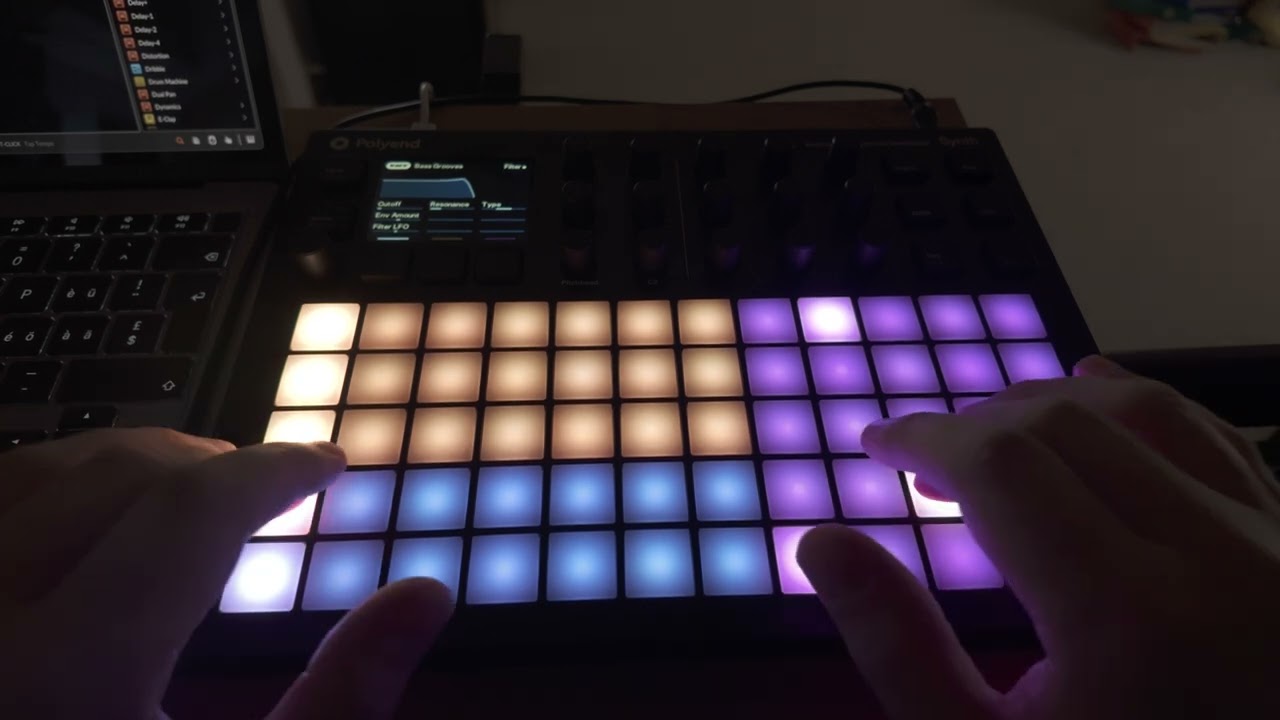
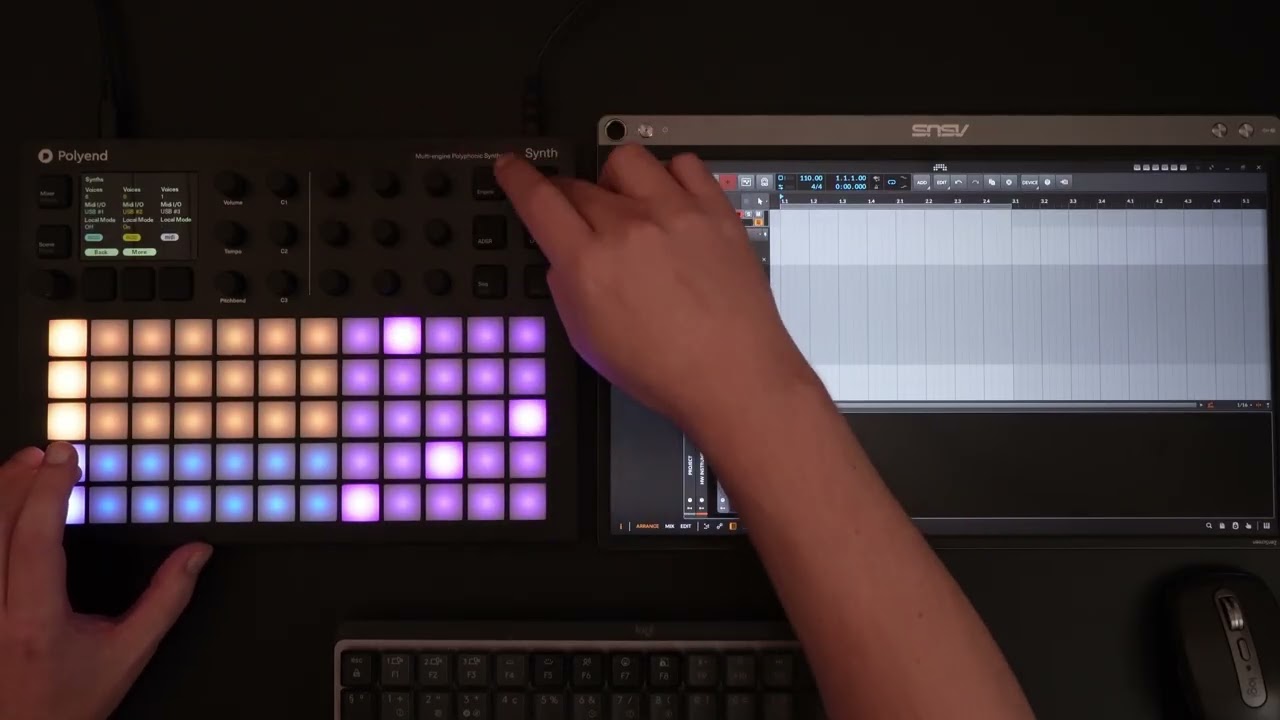
Polyend Synth USB Midi DAW Issue

Hello All,

This is my first time posting on this forum, and I am hoping I can get some assistance.

I been enjoying my Polyend Synth for a little while but I ran up to a problem I cannot solve. I been trying to incorporate the Synth with a larger setup by connecting via USB into my computer, but I wanted to use the pads as a controller not only for the Synth, but for my other devices (KO 2, Modal CraftSynth 2.0, etc.) and for some of my VST plugins. What is happening is that I power the Synth with USB, and I try to set up the Midi Channels correctly and turn off the Local SW so the keyboard is “disconnected” and to use the Polyend Synth as a synth engine. I notice that I am not able to transmit the midi out correctly.

In essence I am trying to do this:

Synth Keyboard (Pads) → DAW USB Midi IN → Sequence → DAW USB Midi Out → Polyend Synth Engines → Audio out via Audio Interface.

Having a lot of strange issues:

  1. Certain parameters (Filter, LFO rate Env Amount, other parameters) doesn’t move when I turn the knobs, or get switched to “0” (Like its glitching)
  2. Notes across the whole pad layout play the same pitch at random times. Have to restart the Synth
  3. Notes hang and have to restart device

I tried to change USB Ports, Changing USB Cables, using powered and unpowered hubs, tried running USB Midi In to DAW to Midi Din out back to the Synth, tried using 4 separate Daws (Studio One 7, primary; Ableton Live, MPC 2.0/3.0, FL Studio). Having the same issue with all Digital Audio Workstations. Tried reinstalling the firmware, same issue.

Sure the device works “ok” when I use a midi controller into my daw and only have USB out to the Synth. But this method doesn’t give me automation control but I am able to edit synth parameters alright.

It seems to me that when you plug a synthesizer in via USB, you can send and receive Midi Data from the same USB cable. It’s like this with all my other synths and devices. (Modal Skulpt, Modal Craftsynth 2.0, KO 2, Roland System-1, Roland JD-XI, MPC Live, Korg Electribe 2 Sampler, Korg Monologue).

Just for more understanding, I even tried using a USB Midi Interface with the Polyend 3.5mm to Midi (The one that comes in the Box, and a Novation 3.5mm to Midi (Its Type B) so the Polyend Synth thinks its coming from the Jack, and it is still having the same issues as above.

My goal was to usb midi as to me, it’s more scalable than Midi Din (16 Channels per USB, rather than chaining Midi Din, or using a Midi ThruBox), its more fun playing with the device with its keyboard rather than using my midi controller, plus I can somewhat avoid the Midi Type A/Type B issue (Polyend Synth is the only device that is Midi Type B, and it’s frustrating, as all my other devices are type A)

Any assistance would be appreciated in solving this issue.

Hey @jtmatt1, welcome to Backstage! :party:

Let’s see if we can figure this out together. :flexed_biceps:
I’m assuming you might be running into MIDI Loopback issue?

The thing is - if you send MIDI out from the Synth into your DAW and you are sending the MIDI straight back out to the Synth, it will start conflicting / duplicating MIDI information.

Reason for that is that the Synth always send MIDI out, even the MIDI it receives.

So ideally you disable sending MIDI back out to the Synth (in your DAW) until you are done recording the MIDI Data that you want.

I’ve helped someone else in the past using Bitwig with a similar issue, so i’m going to link this video i’ve made for them. Maybe you see something useful in there:

This was on an earlier version of the Synth Firmware. Nowadays you could also use the MIDI Engine to send out MIDI on one channel and send it back into the Synth on another channel to circumvent this midi loopbacking.

Hope that helps and i hope i understood your issue correcty.
If not :laughing: , we’ll take it from there and i would appreciate if you could record a short video showing off what you are doing or trying to achieve exactly. :blush:

1 Like

Hey Sandroid,

Haven’t had a chance to reply earlier due to work (12 hours days), but I am testing out what you had mentioned. I didn’t realize that the Midi In/Out wasn’t exactly bidirectional via USB. It just might be the case that there is a conflict with Midi Information received.

I feel that, personally I should not have to switch between midi in and midi out routing for inputting notes and then switching the routing for playback.

I am using a Craftsynth 2.0 for example, and I am able to not only input notes with the touchkeys, but I am also able to control synth parameters (that are available) and record the automation, while at the same time, not having duplicate notes. That is thru simply USB Mini.

However, with the Polyend Synth, I am having the issue of synth parameters effectively locking itself up. It’s only when I disconnect the synth engine from my DAW, the parameters work, but then I have no sound. I also found out it doesn’t matter if the Local SW is “On” or “Off”.

I guess what I am trying to figure out is why one device is able to do this (decently well), and one is struggling when they both are essentially set up the same way?

I did finally make a “quick” video (If 15 minutes is quick) to try to demonstrate the problem I am having.

Polyend Synth USB Midi Issue

Even with this issue, I still am basically using my Polyend Synth as like my main workhorse synth, as if I am using my midi controller, to just play and record, and bounce to audio.

Watching this - I run into similar kinds of limitations!

Thank you for taking the time to record this! :heart:

I’ll deep dive your video later today and will post a video response (hopefully) soon.

Alright, i hope the video below clears this up a bit @jtmatt1

As a quick TLDR for the video:

  • Local Mode OFF is meant to prevent MIDI loopbacks from happening
  • This seems to be true for MIDI Notes, but not for MIDI CC at the moment
  • In the video i’ll show you a workaround for now
  • Hopefully Polyend will change this behaviour down the line

Let me know if you got any further questions.

1 Like

Hey Sandroid, thank you for explaining this situation. I did watch your video as well and it explains what I somewhat thought initially.

I can definitely use your solution and record one synth engine at a time with the automation.

Mostly, I would use a Midi controller anyway, so it may not be that bad overall, but it would be nice for Polyend to update this. Plus it wouldn’t have too much effect when just working with my hardware synths only.

2 Likes

I agree, let‘s hope this gets fixed down the road, this way all 3 engines would be super neat to sequence/automate with a DAW :flexed_biceps:

Glad i was able to help and hope you‘ll have a lot of fun! :hugs:

1 Like

I’m sorry but this is an absolute mess on the part of Polyend. These issues are noted here with Firmware version 1.3.0, but since then there have been two further updates, 1.3.1 and 2.0, and none of these issues have been addressed and it’s now a year later than an earlier posting about these problems. I have been using synths since the late 70’s, and I have NEVER seen an instrument that will not allow you to play it in multitimbral mode easily while using it in “Local OFF” mode. It’s totally absurd for Polyend to expect anyone to have to jump through these hoops and still only be able to play one of the timbres at a time via such an non-intuitive method. It’s taken me some time on the internet to even find any information regarding these problems and any possible solution, and nowhere in reviews of the Polyend Synth does it mention such issues! I bought this synth to be able to play all three instruments at the same time from the pads and record it and the generated controller information directly into my DAW, which is the expectation of anyone who has used MIDI instruments the world over! And there is still no sign of Polyend putting this right at all, given it is a really bad flaw in this instrument and prevents it being used in the manner which people would naturally expect! And they have known about it for some time clearly! If LOCAL mode is OFF, why on earth is this instrument still reprocessing controller messages and note messages endlessly causing a lockup of modulation controls!? I have never heard the like! Polyend, put this situation right and release a firmware upgrade worthy of this instrument and which allows it to be used as expected by your customers, for without it this may as well be a doorstop!

1 Like