Mess 1.1.0 has officially launched and adds the following changes and features.
NEW FEATURES
- Master Volume Master Control
- Use the settings knob on the Main Screen for master volume control.
- Individual Track Mutes
- Hold down the Tempo Encoder and press a Track Number button to Mute/Unmute a Track.
- Mute Track Indications: Muted track buttons and parameters are white, and a lowercase m is displayed underneath the effect icon on the main screen.
- Mute states reset when loading a new effect
FIXES
- External MIDI Clock and transport triggered the micro looper without sequenced steps
- Midi CC & expression pedal actions switched the current screen display
- Changing the Effect to “Off” kept the Effect Gain settings
- The Expression Pedal menu was labeled Next/Previous Pattern instead of Preset
- Pads occasionally lit up while switching tracks
Mess Firmware
- Download and extract the firmware above
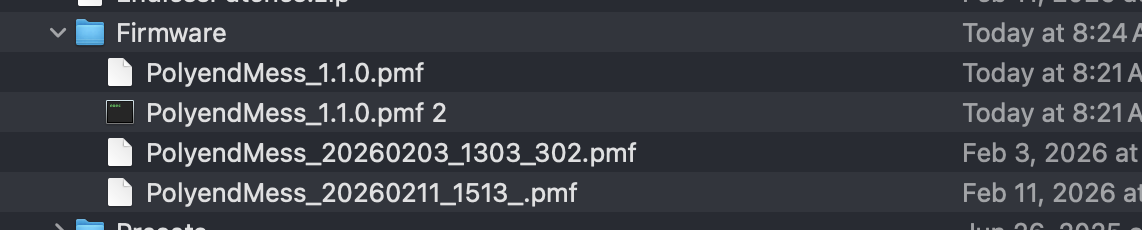
- Copy the .pmf firmware file to your Mess SD card → Firmware folder
- Best Practice: Save your current Preset and back up your SD card to avoid any potential data loss
- On the Mess main screen, click Settings, navigate to Firmware → Update Firmware → .pmf file
- Click the encoder to start the firmware update.
- After the update, open a new preset to initialize the config settings