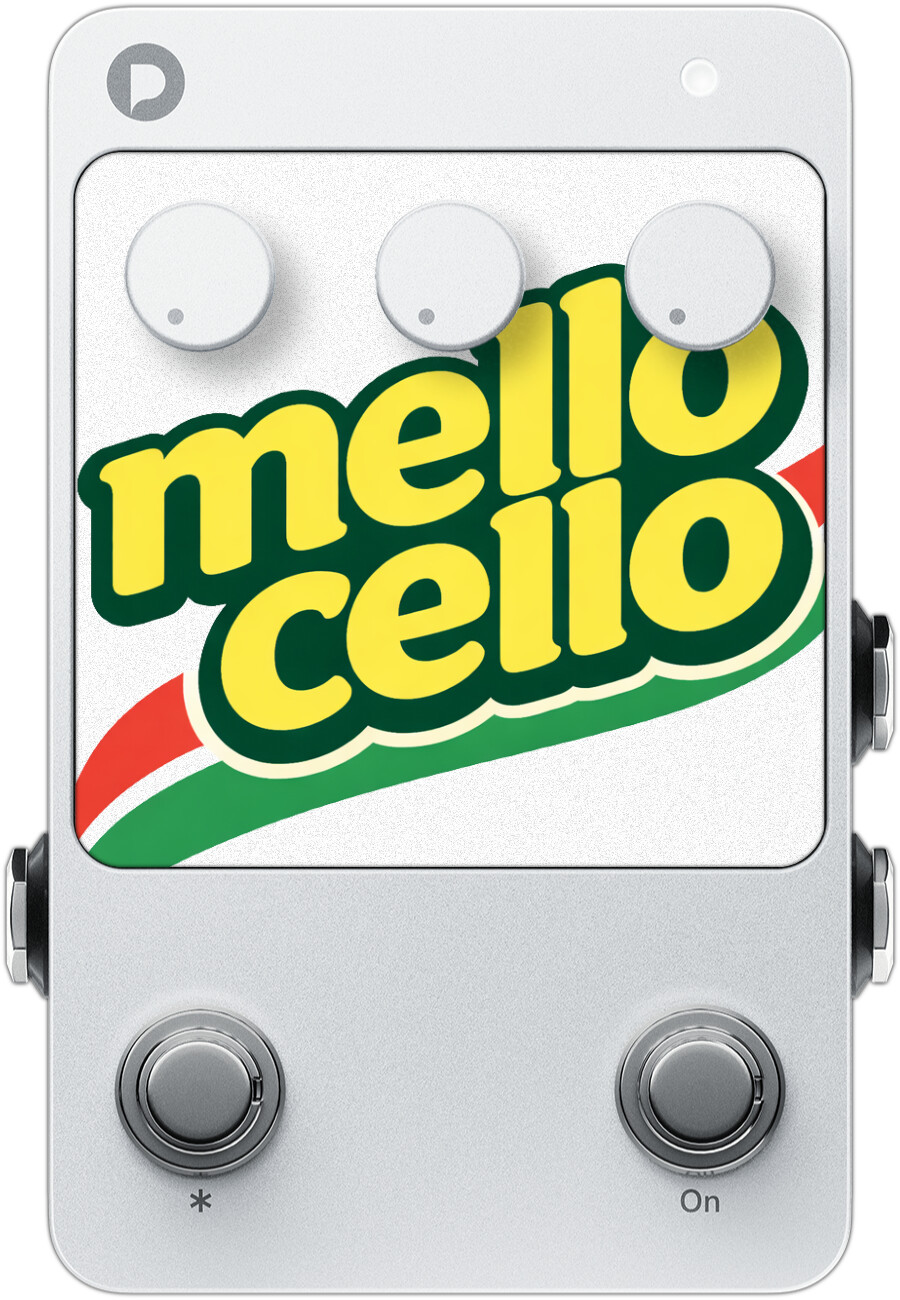
mello_cello.endl (43.4 KB)
I play electric cello and wanted an all-in-one pedal that could make it sound like a real acoustic — not just EQ’d, but with the actual body resonance that gives acoustic instruments their character. So I built one. It extracts the spectral “fingerprint” from real acoustic instrument recordings and applies it to your signal via IR convolution. Think of it as an acoustic body transplant.
It started as just a body sim, but I kept going — added a pitch shifter so I can play double bass parts on my cello, a tone knob for live adjustments, and a warm hall reverb. The result is an all-in-one “plug in and sound acoustic” pedal for electric string instruments.
An acoustic body resonance simulator with pitch shifting, tilt EQ, and concert hall reverb for electric string instruments on the Polyend Endless.
What It Does
The effect has 4 embedded body resonance IRs — one each for cello, violin, viola, and double bass — extracted from high-quality multi-sampled acoustic recordings. When you play through it, your electric instrument gains the resonant warmth and projection of the acoustic original.
The pitch shifter lets you play parts written for other instruments — shift down an octave on your cello to cover double bass, or a violinist could shift down to play cello parts. It snaps to semitones so you’re always in tune.
Signal Chain
Input → Pitch Shift → Body IR → Tilt EQ → Hall Reverb → Output
Controls
| Knob | Function |
|---|---|
| Left | Tone (tilt EQ: warm ← 12 o’clock → bright) |
| Middle | Reverb mix (dry → warm concert hall) |
| Right | Pitch shift (full left = -24, full right = no shift) |
Pitch knob detail:
| Position | Shift |
|---|---|
| Full left | -24 semitones (2 octaves down) |
| ~50% | -12 semitones (1 octave down) |
| ~75% | -6 semitones |
| Full right | No shift (dead zone) |
The pitch knob snaps to whole semitones — no in-between tuning wobble. There’s a dead zone at the top 5% so you can comfortably park it at “no shift” without worrying about bumping it.
| Footswitch | Function |
|---|---|
| Tap | Cycle instrument: Cello → Violin → Viola → Double Bass |
| Hold | Toggle bypass (EQ, reverb, and pitch shift stay active) |
LED Guide
| Color | Instrument |
|---|---|
 Blue Blue |
Cello |
 Green Green |
Violin |
 Magenta Magenta |
Viola |
 Yellow Yellow |
Double Bass |
 Dim white Dim white |
Bypassed |
 Playing Tips
Start with cello (blue) and the pitch knob at full right. This is home base — your electric instrument with just the acoustic cello body applied. Adjust the tone knob to taste, add a touch of reverb, and you’re performance-ready.
Use bypass as a “just the processing” mode. When bypassed, the body IR is disabled but EQ, reverb, and pitch shift stay active. This is great if you’re using your own external preamp or IR loader — you still get the onboard tone shaping and hall reverb.
Shift down for bass parts. Turn the pitch knob to ~50% for an octave down, then tap the footswitch to select the double bass IR (yellow LED). Your cello now sounds like a convincing upright bass.
The tone knob is your live adjustment. Playing in a bright room? Roll the tone knob left for warmth. Need to cut through a mix? Roll right for presence. The 800Hz tilt pivot is specifically chosen for string instruments — it’s right at the crossover between body warmth and bow brightness.
Reverb is tuned for recital halls. The built-in reverb is designed to sound like a warm wooden concert hall — long reflections, lots of HF absorption, no metallic artifacts. A little goes a long way for solo performance; crank it for ambient textures.

