hey if anyone is interested heres my continuing series on the tracker! I go over how macros work and how to set up basic templates heres episode 9 of the series where we begin!
hey if anyone is interested heres my continuing series on the tracker! I go over how macros work and how to set up basic templates heres episode 9 of the series where we begin!
This video has been very helpful, I was struggling with patch creation and you’ve cleared up what I was missing. Thank you 
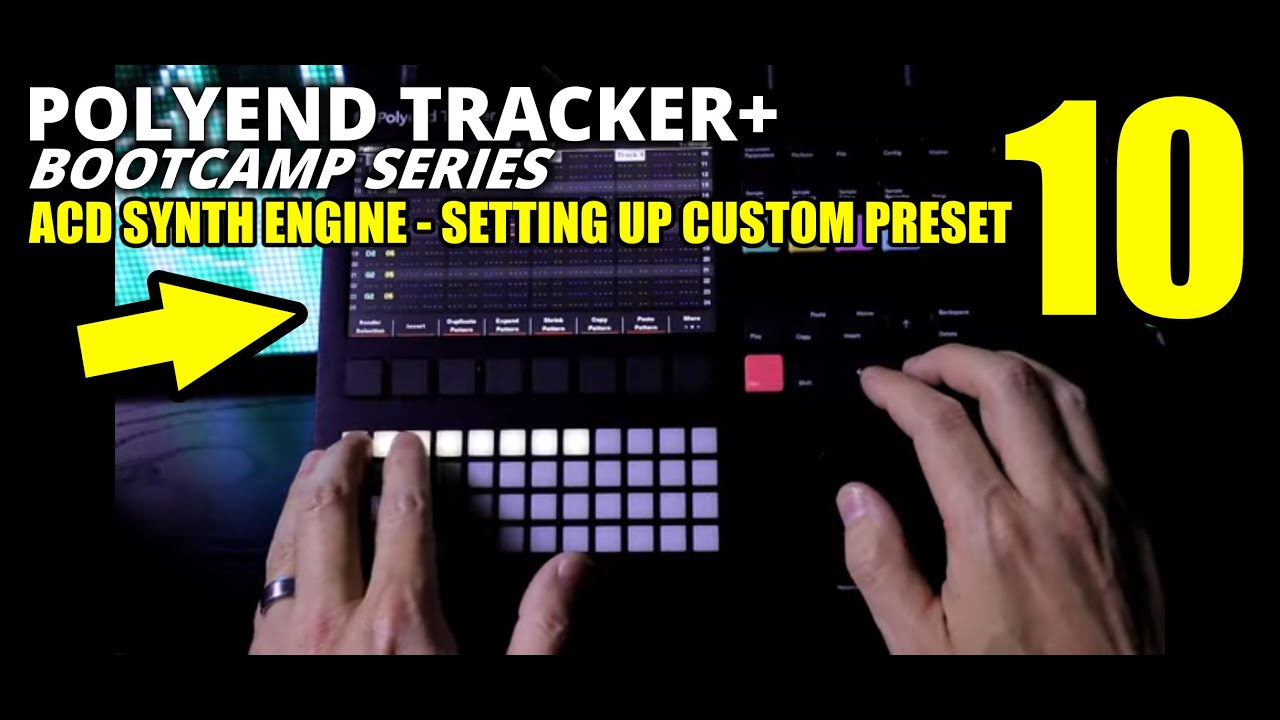
Ok here is the next episode, where I go over ACD macros and then get a little crazy with overdrive and show some resampling selection + glitch it out with FX lanes - Please make sure to keep volume at moderate levels!
Your series might get me back into my Tracker Mini. I’ve hardly touched it since I bought the Synth.
Well well well.. do i have good news for you to turn that frown upside down 
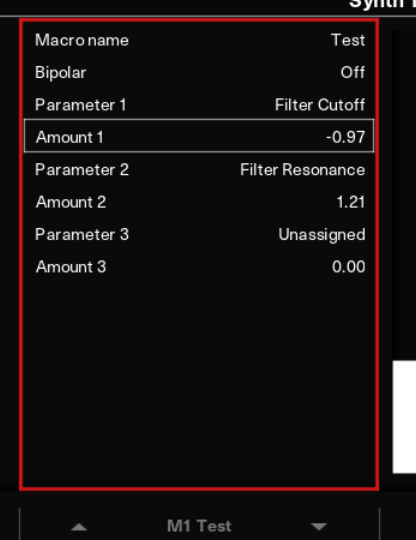
Yes - you can absolutely increase a parameter and decrease another parameter value in one Macro.
@creativeunderdogs Great videos Ron, as always.
Aww i was gonna say that lol you stole my thunder!
As shown in the video, set macro to max, change the amount to the maximum setting that you wanted. Then set macro to minimum and see if it works the way you want. If you’re looking for something you really can’t accomplish then yes separate to two macro lanes
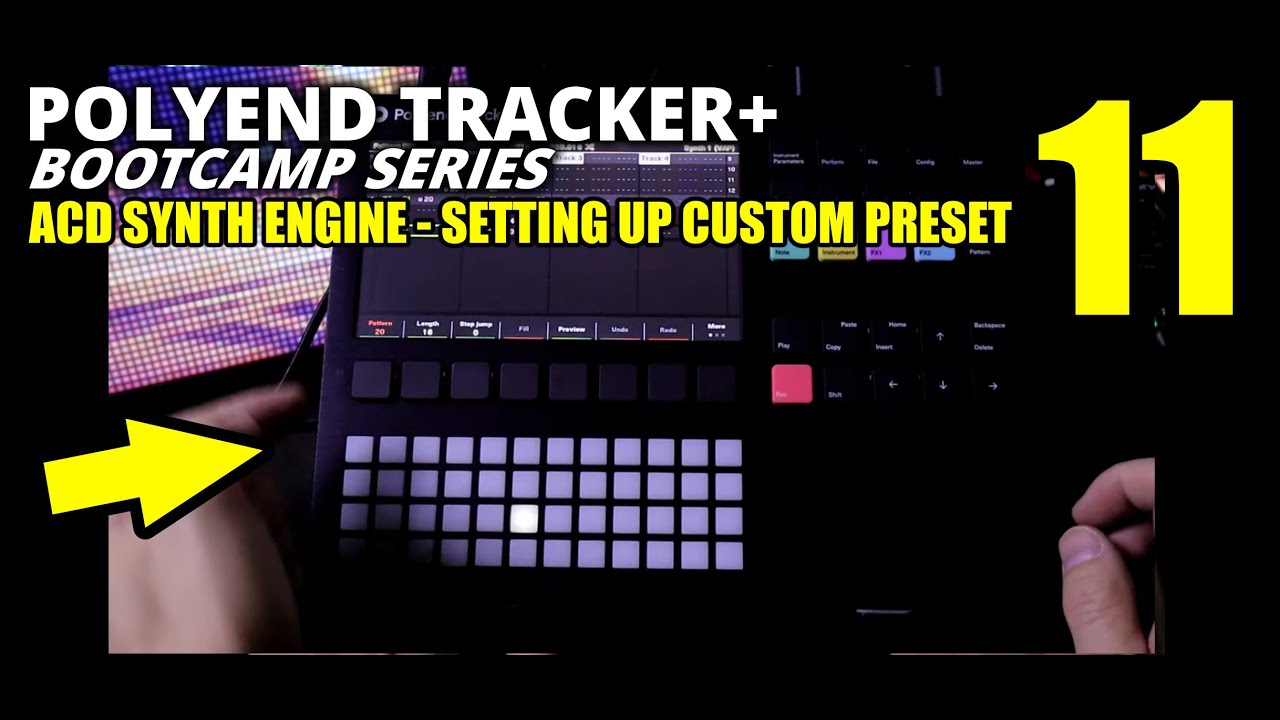
Ok here is Episode 11 featuring a very basic custom macro for VAP synth engine - then we go over programming macros in FX lanes using FILL and how to program synth macros in Perform mode!
Ok whew it’s been a while but I’m back at it! I finally got to making episode 12 which goes over how to make a very basic but effective WTFM init patch! A bit repetitive if you already know how to use it but could help with ideas.
Then I go over how the previous loop function works!
OK here is episode 13! We go over PERC Drum Synth Engine and show it in use with a little initialization programming. Unfortunately my main diffuser light bulb died the moment I was about to record so I decided to wing it and use the normal room light. Sorry about that!