Just buumping this up because i hate how my timeline is filled with OFF commands even using note input mode on the mini. sometimes i am using one shots and reeeeally don’t care, an option to turn off “OFF” messages as well as velocity / timing would be amazing!
2 Likes
I’m curious - to those who are interested commented @here :
Most of you want this to record to one single track yes? So essentially it wouldn’t be necessary to have an option. Because the logic could be:
- If only one Track is ARM’ed
- Then rec all notes, regardless if a previously held note is still held.
Because the core issue here is, that the current logic expects an OFF step / release of the previous note before another note will be written.
I have a feeling a global OFF option, could cause a lot of unexpected crazyness (especially if you consider sending MIDI) and thereby be difficult to implement.
1 Like
Here’s a thought that might accomplish the same thing. Maybe have an option for legato mode when only one track is armed? THen it’s not an issue for global recording to multiple tracks, but it is an option when doing one track. And rather than a system menu kind of thing, it’s maybe a quick shortcut button (legato on/off) when one track is armed?
Isn’t that essentially the same thing as what i proposed above (except without giving an option) ? Or am i missing something? 
1 Like
Maybe I need to play around with this again because I could have sworn it recorded “OFF” even when doing that. But I most certainly could be wrong!
Sounds like a good solution to me!
Velocity and timing can be turned off. Config > General > Recording Options > only notes.
https://www.youtube.com/watch?v=6SJHnyGJqsA&t=529s exactly like in this video
I didn’t mention velocity or timing, i said off notes. The big OFF messages that show up when you release a key. There is no way to turn that off.
I got the OG Tracker soon after release but returned it almost immediately upon discovering that it was impossible to live record 16th notes with it due to the unnecessary OFF messages. Lame that it still has not been fixed. For me recording 16th notes seems like such basic thing that you might as well disable live recording entirely without it. I really liked the device otherwise, I’m gonna get a Tracker again as soon as this is fixed.
The latest firmware, now introduces a way to record tight notes when arming one track only.
Only placing a OFF message when the last note has been released.
Check it out here:
I’d be curious to hear if this solves everyones issue, or if there are requests for further improvements. 
2 Likes
Is this on by default in the new CE firmware? Was playing around with the new Beta and didn’t seem to be working (was using CHIP as a synth in the midi tracks).
EDIT: Tried with the standard non-beta Firmware and doesn’t seem to work there either, tried with samples and with synths with only one track armed and seems to be impossible to not trigger and OFF command.
Am i doing something wrong?
Timestamped here for your convenience 
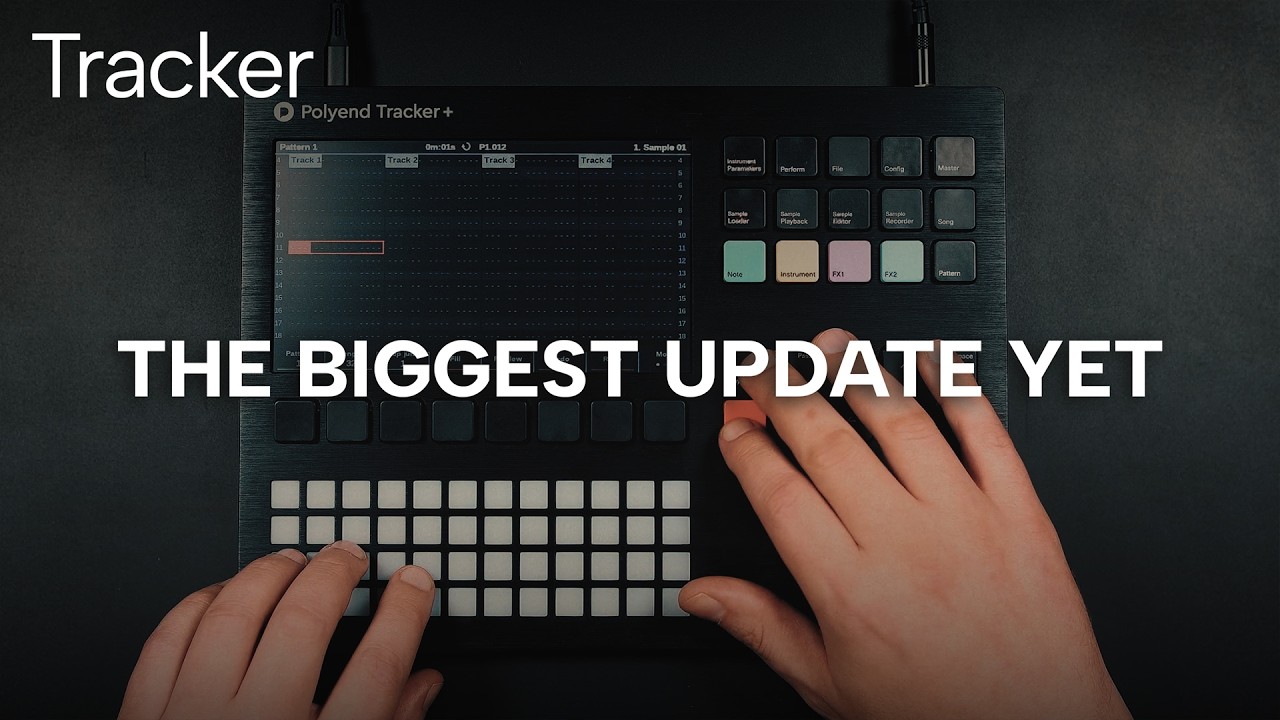
Hi Sandroid, yes this is what I’ve been watching - it doesn’t seem to work like the video for me, it’s making an OFF everytime.
Did you make sure to only have one Track ARMED?
The way it works now is: previously you had to let go of the previous note in order to write the next note, because it always required an OFF message. Now you can actually keep holding notes and it will just write the next note and only write an OFF message when the last note is released.
Yes only one track armed.
OK so if I hold a long note then play another (legato style) it will not trigger an OFF. This is as you describe. But I can only do that very slowly on the pads. Is that what’s happening on the video you linked? I slowed it down and still not clear to see as they are playing really fast? Mine won’t do that, it still feels a really poor experience playing in live from the pads, and is putting OFFs on every other 16th.
My reading of this thread was there was two popular requests:
- to have an option to turn it off
- make live recording default to the track you’re already on then you can enable more if needed (rather than having to disable15 tracks from being live).
I’d be curious to hear if this solves everyones issue, or if there are requests for further improvements.
So I’d say this hasn’t really solved the issue I’m afraid, and would keep this ticket open.
1 Like