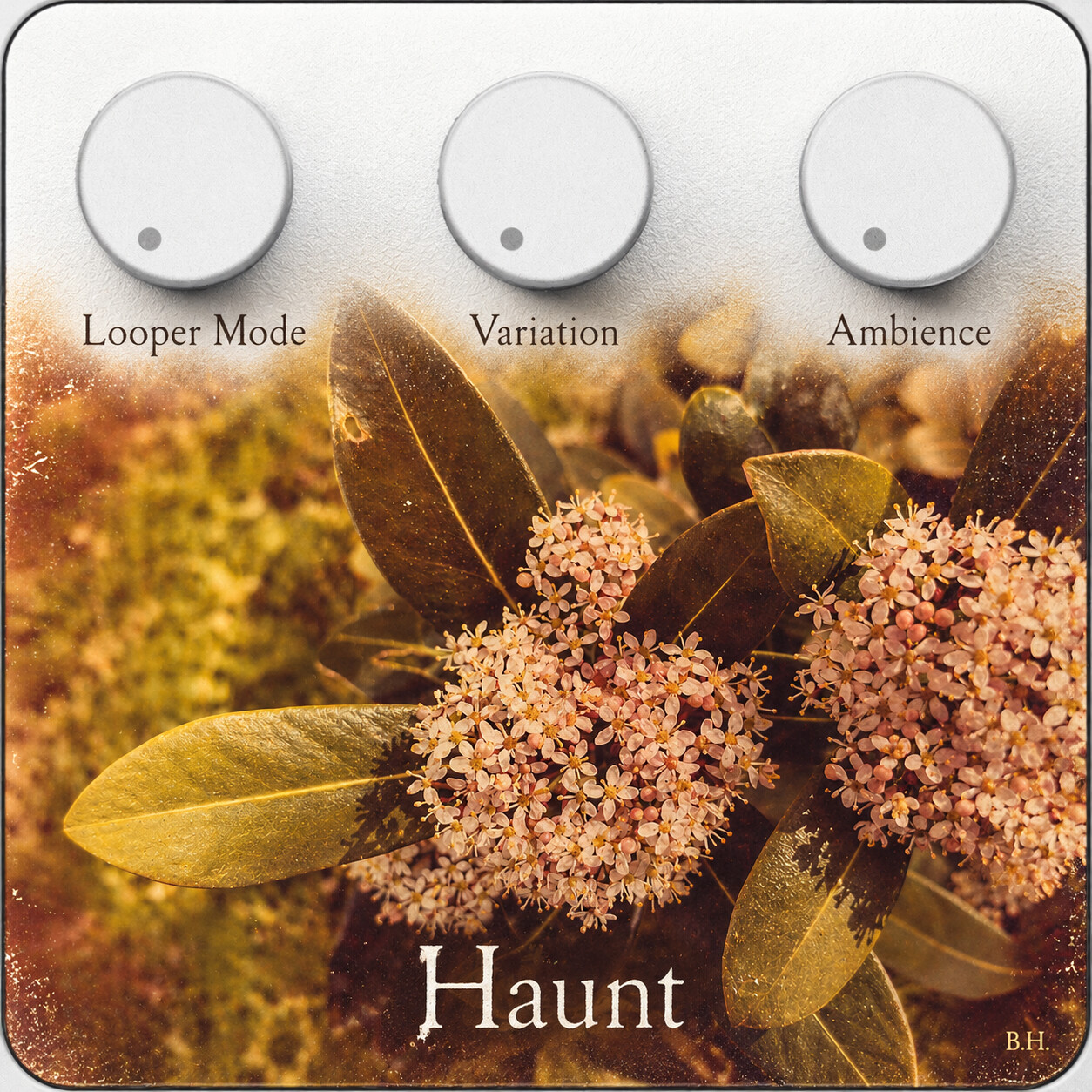
HAUNT captures a handful of notes and transforms them through four evolving looper modes and the spaces between. Add vintage patina, faded Polaroid textures and worn melodic imperfections, then let Ambience carry each fragment into distant memories.
File(s)
Description
Simple Preamp – Shape Your Sound Before Recording
Before recording, use the three knobs to adjust Input Gain, Bass and Mid EQ. A short footswitch press arms the recorder, which automatically starts when your signal crosses the −45 dB threshold.
Record up to six seconds of audio, then explore the four looper modes and their fluid transitions. After recording, HAUNT starts in Tape mode, while Variation and Ambience follow their physical knob positions.Important – Knob 1 (Soft Takeover):
After recording, turn Knob 1 fully counterclockwise to pick up its default position (Tape Mode). Once the position is reached, you can smoothly morph between the four looper modes.
TAPE – Organic Memory
Weathered tape movement with gentle pitch drift, reverse blooms and wandering satellite fragments. Memory Parallax Stereo creates a wide, breathing soundscape.
FRACTURE – Harmonic Constellation
Breaks your recording into drifting fragments, occasionally introducing higher-pitched harmonic notes and rare lower echoes. These fragments float through the stereo field and leave atmospheric delay trails.
PITCHY – Pitch & Motion
Transforms the loop into shifting rhythmic and melodic patterns. Variation moves between deep, warm pitches and brighter, higher registers.
HARMONIC SLICE – Melodic Memory
Rearranges analyzed slices into evolving harmonic patterns, accompanied by delicate sine-wave voices that create floating melodic textures.
3. Controls
Knob 1 – Looper Mode
-
Before Recording: Input Gain (−16 to +16 dB)
-
After Recording: Morph between Tape, Fracture, Pitchy and Harmonic Slice.
Knob 2 – Variation
-
Before Recording: Bass EQ (−12 to +12 dB)
-
After Recording: Controls the character, movement and evolution of each looper mode.
Knob 3 – Ambience
-
Before Recording: Mid EQ (−12 to +12 dB)
-
After Recording: Delay OFF or nine atmospheric stereo-delay presets (D0–D8).
4. Footswitch & Recording
Short Press (Empty Loop)
Arms the recorder.
Input Above −45 dBFS
Recording starts automatically when the input signal crosses the threshold.
Short Press (During Recording)
Stops recording and immediately starts loop playback.
Automatic Stop
Recording automatically stops after a maximum of 6 seconds.
Short Press (During Playback)
Starts overdubbing.
Short Press (During Overdub)
Stops overdubbing and returns to normal playback.
Long Press
Clears the recorded loop.
5. Quick Start
-
Before recording, adjust Input Gain, Bass and Mid EQ using the three knobs.
-
Short-press the footswitch to arm the recorder.
-
Play a few notes. Recording begins automatically when the input exceeds −45 dBFS.
-
Short-press again to finish recording, or let the 6-second recording limit stop it automatically.
-
Explore the four looper modes and the spaces between them using Knob 1.
-
Shape the sound with Knob 2 (Variation).
-
Add atmospheric stereo-delay textures with Knob 3 (Ambience).
HAUNT – A few notes, endless fading memories.