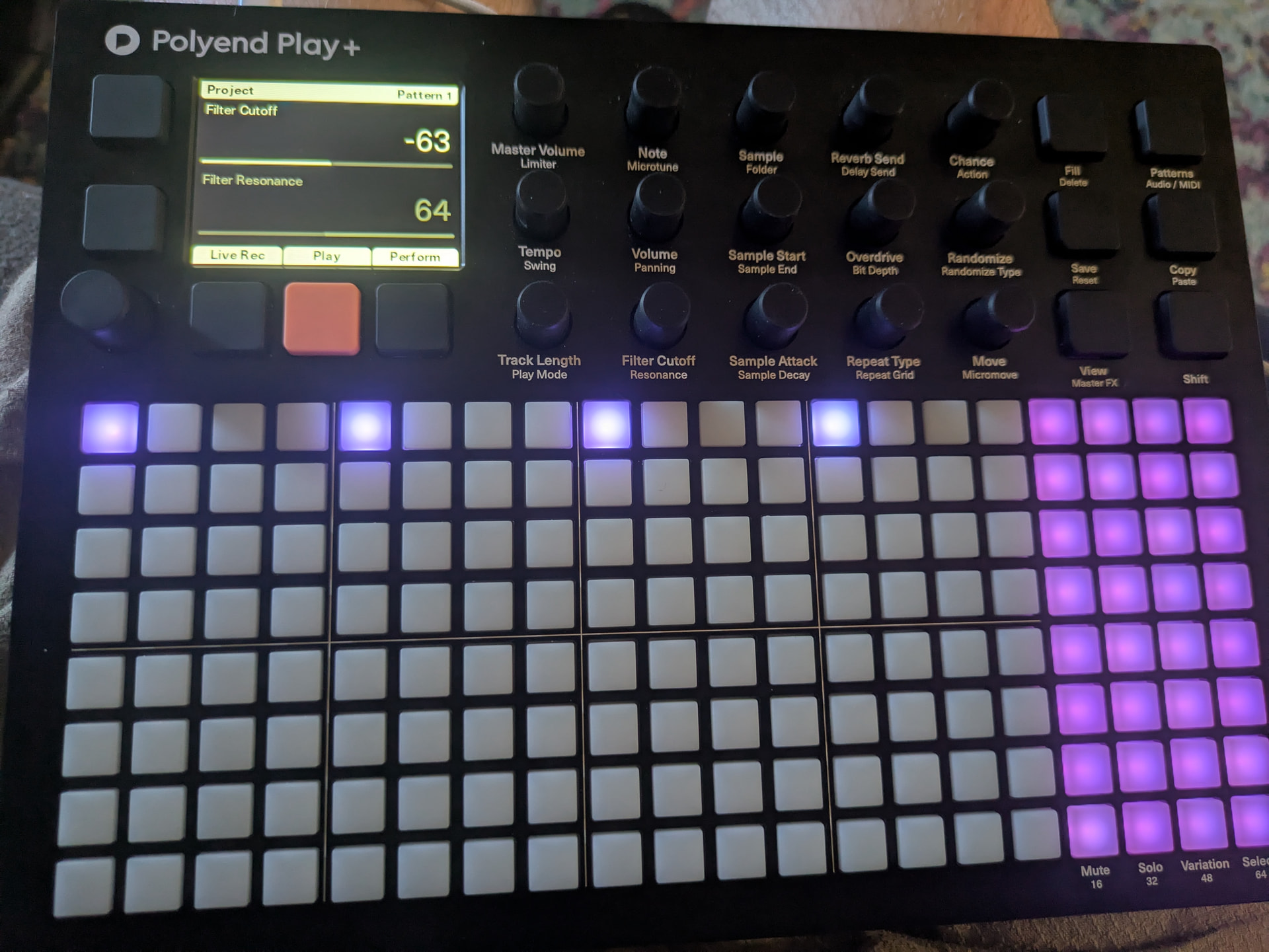
When applying the performance filter cutoff or recording the cutoff on the synths I am noticing a diminished effect in comparison to the sample cutoff.
I am in the correct MIDI view during performance mode but I am also observing this issue when recording the cutoff per note.
I can put the cutoff to -63 on the VAP, ACD , and WTFM synth init patches and still have volume on the synths with minimal cutoff of the higher frequencies.
In contrast to the percussion samples, a Low-Pass 100 or -200 on the filter cutoff brings the volume down to a mute on the hats, tho filter resonance has minimal effect.
Am I missing something with these init patches?
The way filter cutoff is displayed is really weird too, the scale is all over the place.
sometimes it’s a simple 0 to 100
sometimes it’s an attenuator
sometimes it labeled as Low-Pass 100
Steps to Reproduce
Place synth notes on MIDI grid, select row.
Playback while adjusting the filter cutoff on that row to LP.
Observe the effect in comparison to audio samples on the Audio grid.
The case is that the Filter Cutoff on the Sample side is something entirely different than a Macro assigned to that Knob on the MIDI/Synth side.
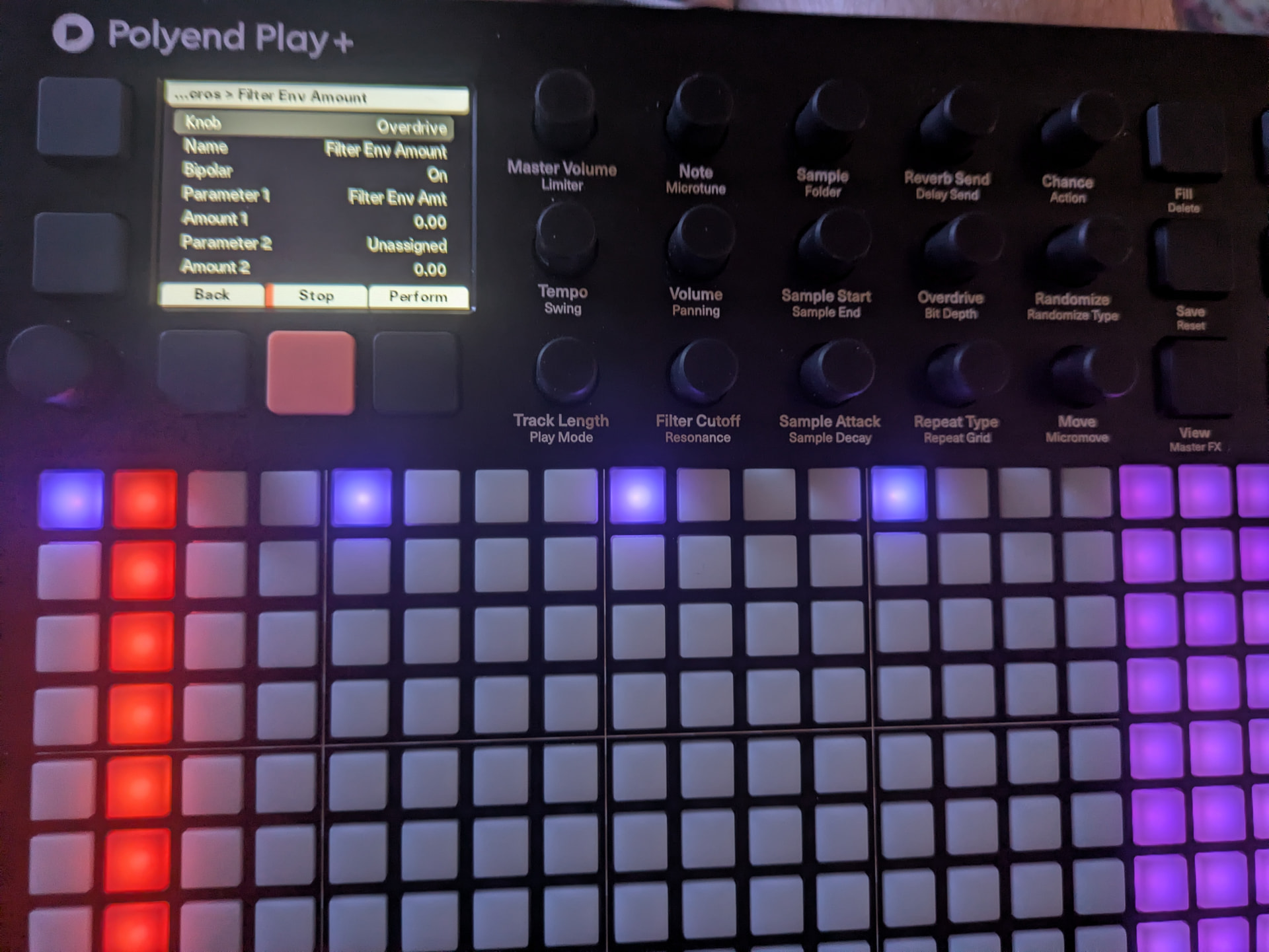
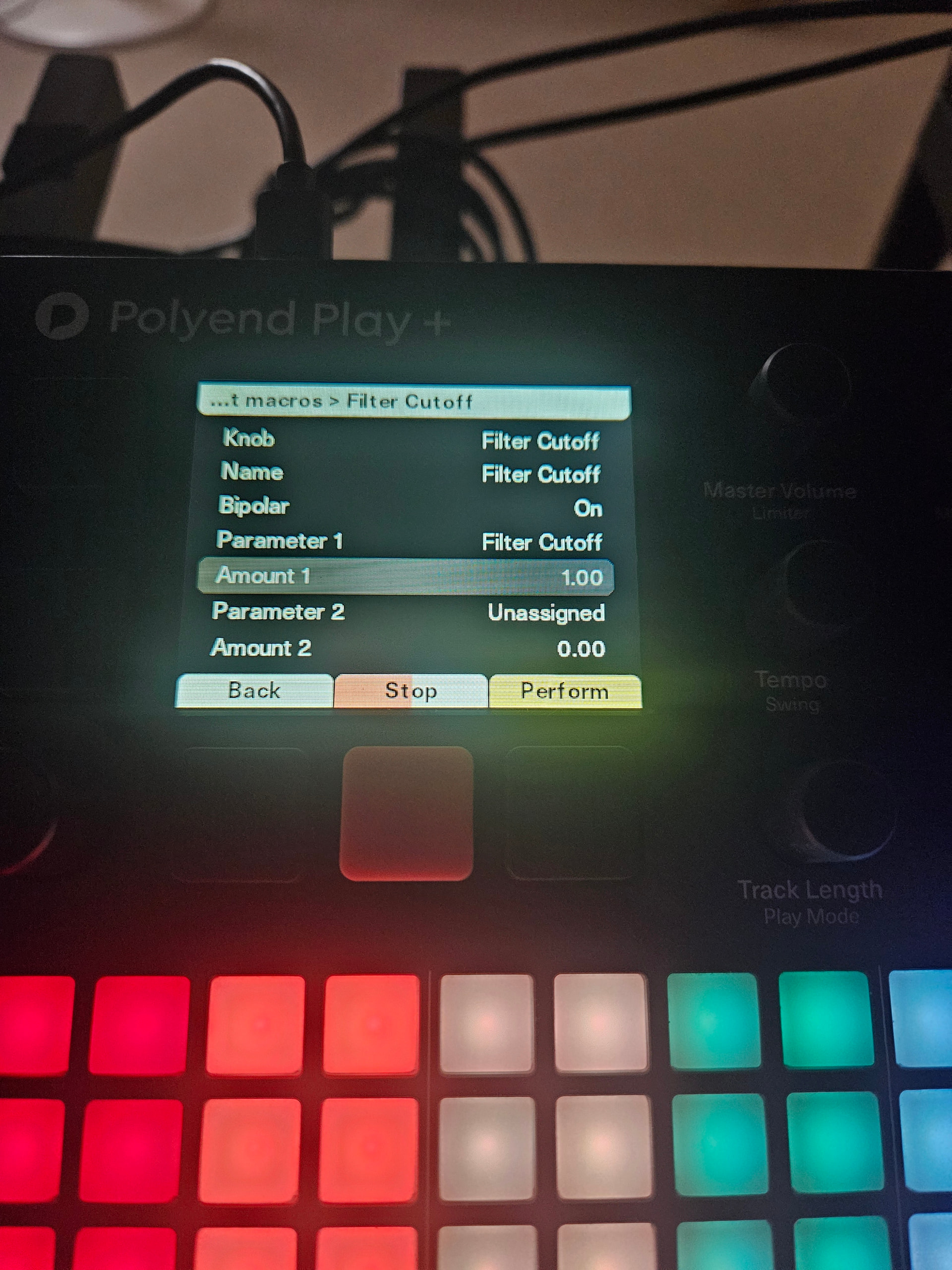
If you go to Menu>Synths>Edit Macros, you can see that you can assign any effect to this particular knob. For example, in Perc under that knob, you may find Timbre and EQ.
Even if a Filter Cutoff is assigned, it will work in a different way than the Sample side. It all depends on the exact Synth model and Patch, and how they are tuned.
Yes, as I wrote in the issue, even when I make my own patch and macro only the filter cutoff and resonance I still have the same issue.
It doesn’t seem to matter what synth or what patch I use, the lowpass filter cutoff just lowers the volume slightly and has no effect on the resonance.
Hey @joyo , this sounds curious. If possible, could you record a video/clip of the behaviour that you are experiencing? I‘m not sure i understand exactly what the issue is here.
Seeing what you are doing would help us a lot in figuring this out!
Aha! I think i understand now. Also thank you for providing example clips.
The important bit of info we were missing is that you are in Performance Mode.
Sample based filters and synth filters do work slightly differently as well.
What is the same though, is that within Performance Mode when you try to change the cutoff and resonance, it is relative to whatever is already defined.
So if your your synth already has a high cutoff value in the patch itself, you might not be able to lower it all the way down. Because it is relative.
For example →
edit the Init Patch so that the cutoff is at the lowest setting.
Resonance in this case is not so important.
The Envelope Amount on the Filter will also affect things, so go close to 0% in that case.
When you do that, you will notice that you can actually close a synth via filter as well.
Hope that clears things up and if not, i’ll be happy to make you a quick video showing what i mean.
I think i see what you mean now. In Perfomance Mode, when using a Synth - the way that the filter is affected by changes to the Cutoff and Resonance, leads to unexpected behaviour? For example bottoming out way too fast?
It looks to me like the values are either incrementing or decrementing nearly exponentially and thereby the available +/- range is far shorter than one would expect?
No, when I adjust the filter cutoff it has NO effect on resonance at all. It doesn’t matter if it is incremented or decremented, there’s no change. Performance Mode doesn’t change the behavior. I have the same issue when I am setting the filter cutoff parameter per note. I have the same issue when changing the filter cutoff parameter during playback. Please read the original bug description, all of this has been described there.
You must have a positive or negative amount set for Filter Cutoff and/or Filter Resonance Macros. Else in Performance Mode changing the Filter Cutoff and/or Resonance will not do anything.
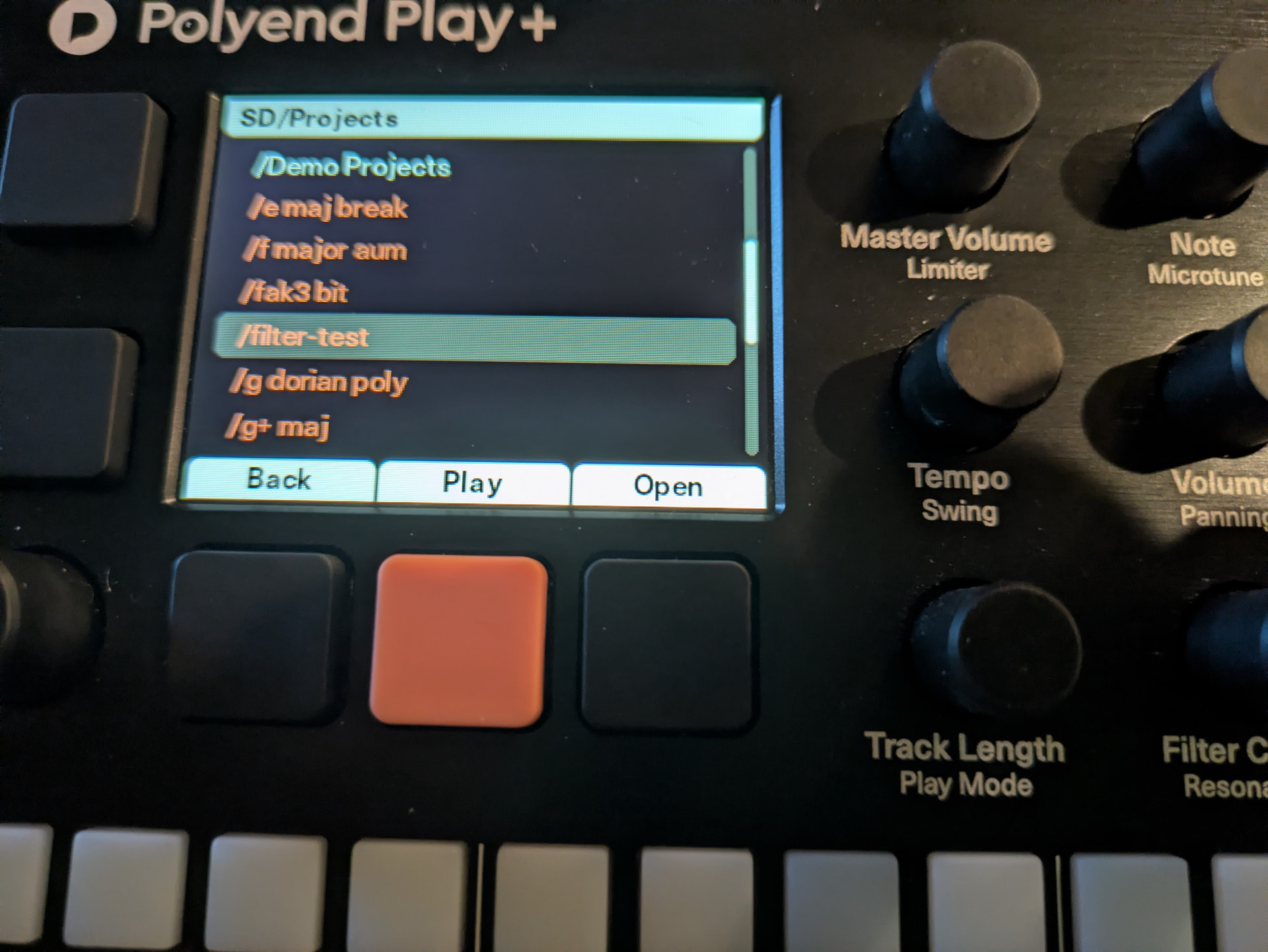
I loaded the project and entered Performance Mode. The lowpass filter bar has the same effect where it lowers the volume without moving the resonance. I was able to get some movement in the resonance when using the encoder but only for about 10 points before it bottomed out again. This forum doesn’t allow for video uploads.
Use something like Youtube, Google Drive, Streamable or WeTransfer.
Why would it move the resonance? Depending if you have Cutoff or Resonance selected it will only move one or the other.
And yes, you can‘t go to -127 in this project right now. It bottoms out at around -32. But that‘s what i meant when i said it depends on how your macros are set up.
The cutoff / resonance within the synth patch itself is one thing
The cutoff / resonance amount to change in the macros is the next
Then when using cutoff or resonance in performance mode this will affect the overall change (taking the other two into account)
That‘s why i said it‘s a relative value change and not an absolute value change.
So essentially, if you expect that ONLY when you reach -127 that the cutoff bottoms out - that is not how it works at the moment.
And is also why i mentioned that sample and synth filters work completely differently.
The filter used on the sample side is more of a DJ Style Filter, while the filters for the synths can react completely differently (also dependent on what type of filter you are using).
I don’t mean change the resonance value when I say “move the resonance”. When resonance is increased it amplifies the signal at the frequency that the filter cutoff is set to. With a static resonance I should be able to change the filter cutoff to specify what frequency is amplified by the resonance. the envelopes are applied to the filter cutoff, causing each note to modulate the resonance starting at the filter cutoff value.
On the Init patch without additional envelopes or macro parameters I don’t observe this effect. I am not looking for a DJ Stye filter but I do expect the one filter to work as a filter.