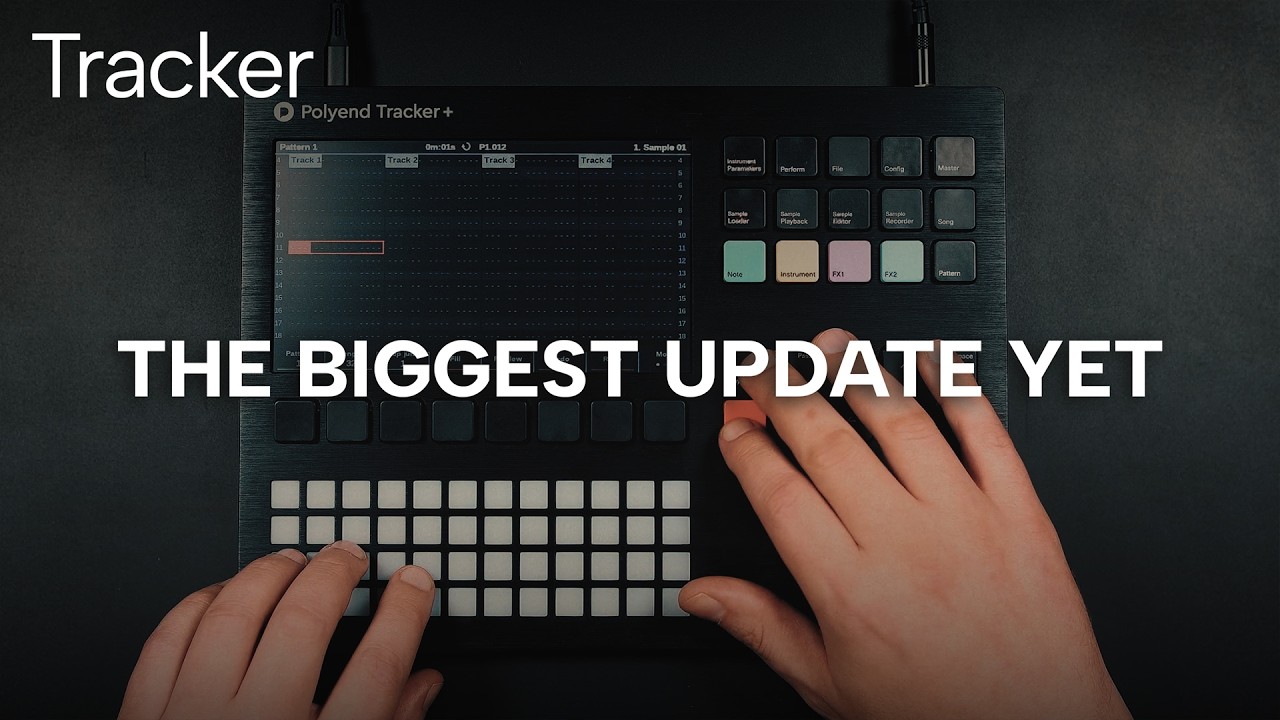
I have installed the tracker new firmware.. and I don’t see the lane for velocity & micormove - which to be honest is fine.. I don;t need to see these as additional lanes I don’t think.
In fact worth installing just for better timing and rendering.. the last was the reason i stopped using the track as I couldnm;t export tune and then mix them down (and they still soiudn the same) due to misaligned tracks..
The only other thing I always wanted to chaneg was to remove the third page in the pattern edit page.. it fucked with my workflow no end.. it was much better when just flipping between two screens
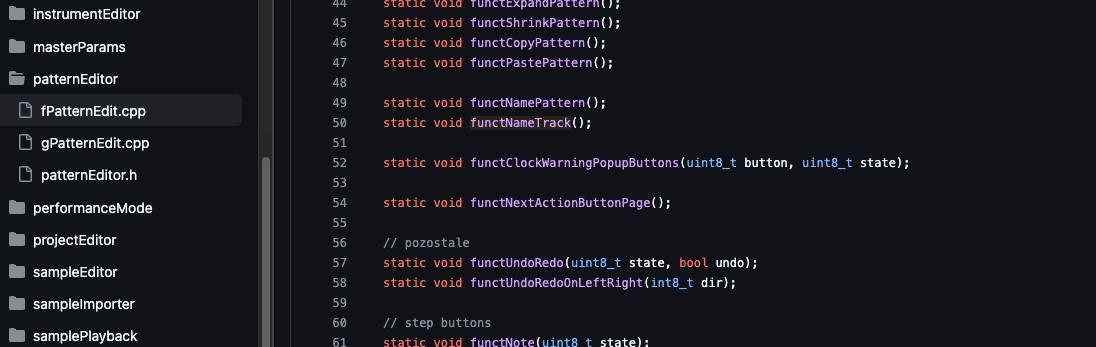
I am no coder.. but I think this is (some) of the lines of code that relate
I mean given that all i want to do is comment out .ines 49 & 50.. how do I then ‘compile’ the code ?
Sorry classic ‘dumb fuck’ question from an idiot but genuinely this is all i want to change !!!
When in pattern view, press the Note button if the cursor is not already on the Note section of a step.
If it’s on the Note section of a step and you press Note again, it will toggle between Velocity/Micromove and FX1/FX2 view.
What exactly do you mean by that?
Also, any AI agent should be able to help you setup locally with the documentation that is available, so you can build your own firmware.
1 Like
Look here at 20 seconds of the video (links is timestamped):
This explains how this view toggling works. If you don’t have any fx set on a step or volume/micromove, it will not be so obvious.
Regarding 3rd page:
Change actionButtonsPagesCount from 3 to 2 on line 352 of patternEditor.h:
const uint8_t actionButtonsPagesCount = 2;
This alone stops the “More” button (interfaceButton7) from reaching page 3.
But if you want to remove the dot as well:
Inside cPatternEditor::initDisplayControls of gPatternEdit.cpp, change labelDataMore.dotIndicator.count from 3 to 2 on line 135 so the UI shows 2 dots instead of 3:
labelDataMore.dotIndicator.count = 2;
That should do it, then just follow the setup instructions, or have a AI help you setup the project locally so you can compile your own firmware.
You are an absolute LEGEND Sandroid. Thank you so much.
That worked perfectly first time. I absolutely love it !!! been wanting that for YEARS.
And now I understand the micro move / velocity lanes I FUCKING love them as well !!! massive enhancement.
I am now going to make some music. Thanks so much for your help. Really cool
2 Likes
Glad it worked. Happy tracking! 
2 Likes