What is the problem?
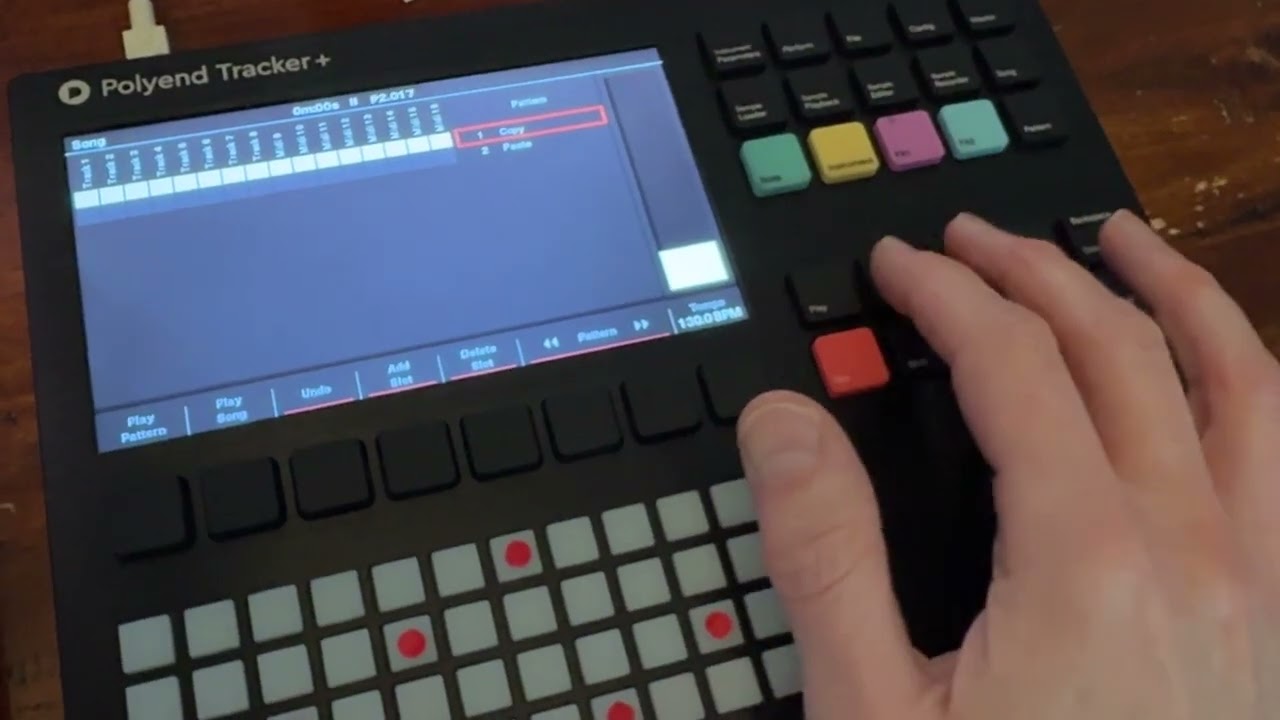
At the moment it is a little bit cumbersome so copy patterns. As far as I know I have to select copy pattern on menu stripe number 2, click on the “more” button twice to use menu stripe 1, select a new pattern, click again the more button to go to menu stripe 2 and than click paste pattern.
What should this feature achieve?
Clone the active pattern via a single click on the next free empty slot. This could lead to sorting issues if the next pattern slot is already used. But it’s way more robust than shifting all pattern one count up.
To access this feature it would be great if there is a button on menu stripe 3
Are there any workarounds?
Describe above using 7-8 Steps… Also it’s possible to go to song mode insert a new pattern select all the cell copy them and paste them… which is also really slow… so maybe there could be a shift shortcut “clone pattern” on that screen too.
Any links to related discussions?
–
Any references to other products?
Clone the current pattern