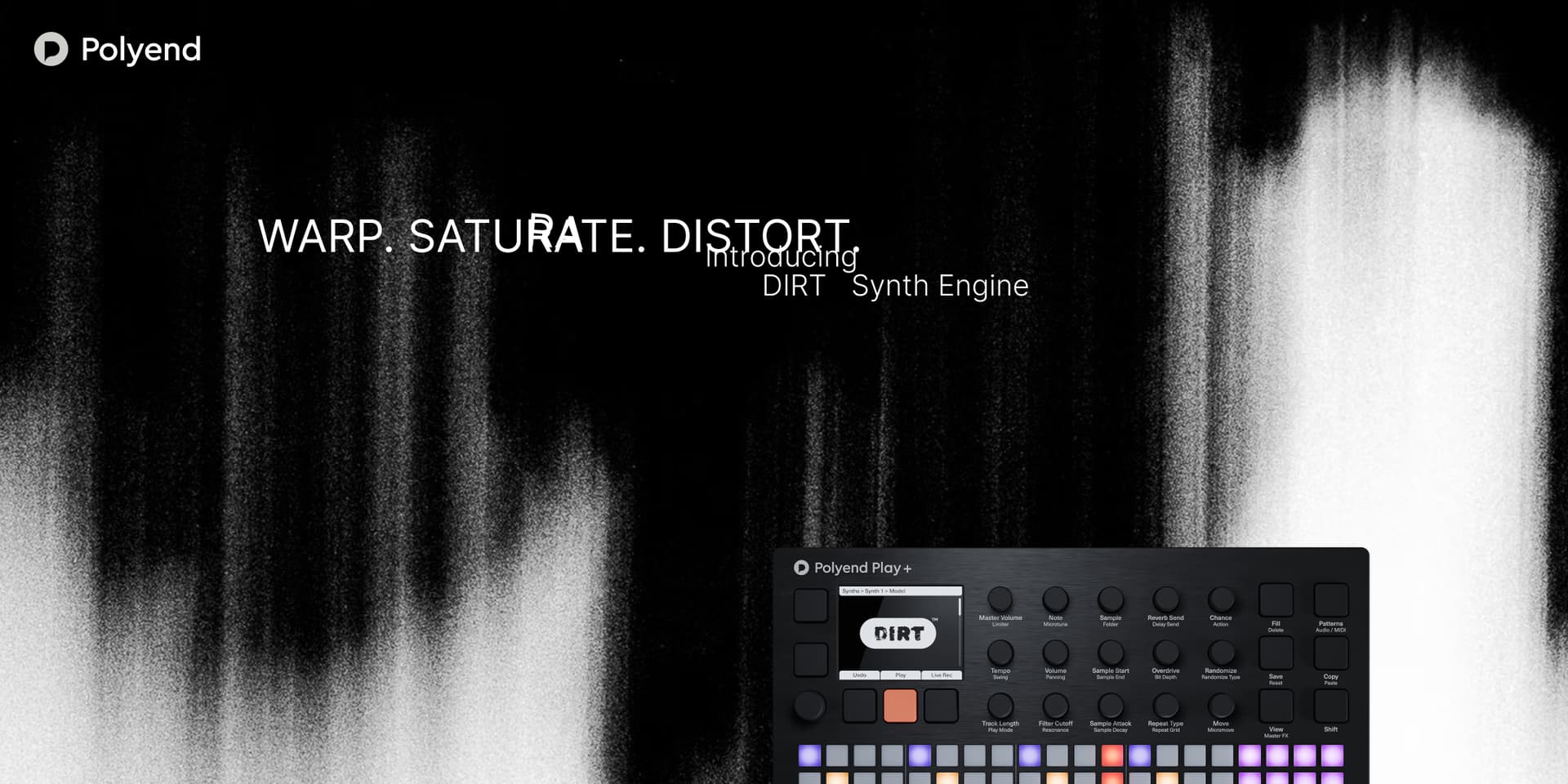
Yeah I’m really excited about the Dirt engine too! Big thank you to patch creators @inz1@Sandroid@iso@vaag.mu3000 and @martinszijjarto for pulling the last-minute work to get this out in the world!
This is an insane update. Congratulations. Dirt sounds excellent. Very very happy. Play+ is a machine like no other. You’ve made a fantastic device. Thanks for following with my beloved Play+
Woah they implemented the: Make synths easier to program. I no longer own one so won’t get to use it, but happy to have perhaps played a part in getting this added for everyone by posting it and sticking to just some examples ideas and letting them figure out the details which look great in the video I saw on youtube.
the new patch editor ui is AMAZING. so damn good. thank you team
imo it’d be really good to have a direct shortcut to it from the main ui so you could instantly get to the patch edit with a single key combo, rather than having to navigate to it thru the menu.
that would complete a perfect patch editor ui imo.
I got the update but now this new interface has the same screen lagging like the SYNTH. I don’t get why you put a processor that is not enough for these machines.
Have you submitted a feature request for this? You can get started from the link below. Appreciate that you focus more on what you specifically are looking for without being rude or demeaning.
More of a bug fix maybe? The performance mode punch in effect delays seem like they’re at level 100, especially with the synths. Not as much on the sample side except maybe the stringston. Is there a way to turn it down a little in settings I’m not aware of?


 . I no longer own one so won’t get to use it, but happy to have perhaps played a part in getting this added for everyone by posting it and sticking to just some examples ideas and letting them figure out the details which look great in the video I saw on youtube.
 for the synths???