Hi, I’ve read a lot but can not find a answer/solution.
I have a Beatstep Pro and try to control the synth engines (PERC for example) with external MIDI notes/cc. I’ve read about an ominous MIDI synth mode but I can not find a similar option in the Tracker+ UI.
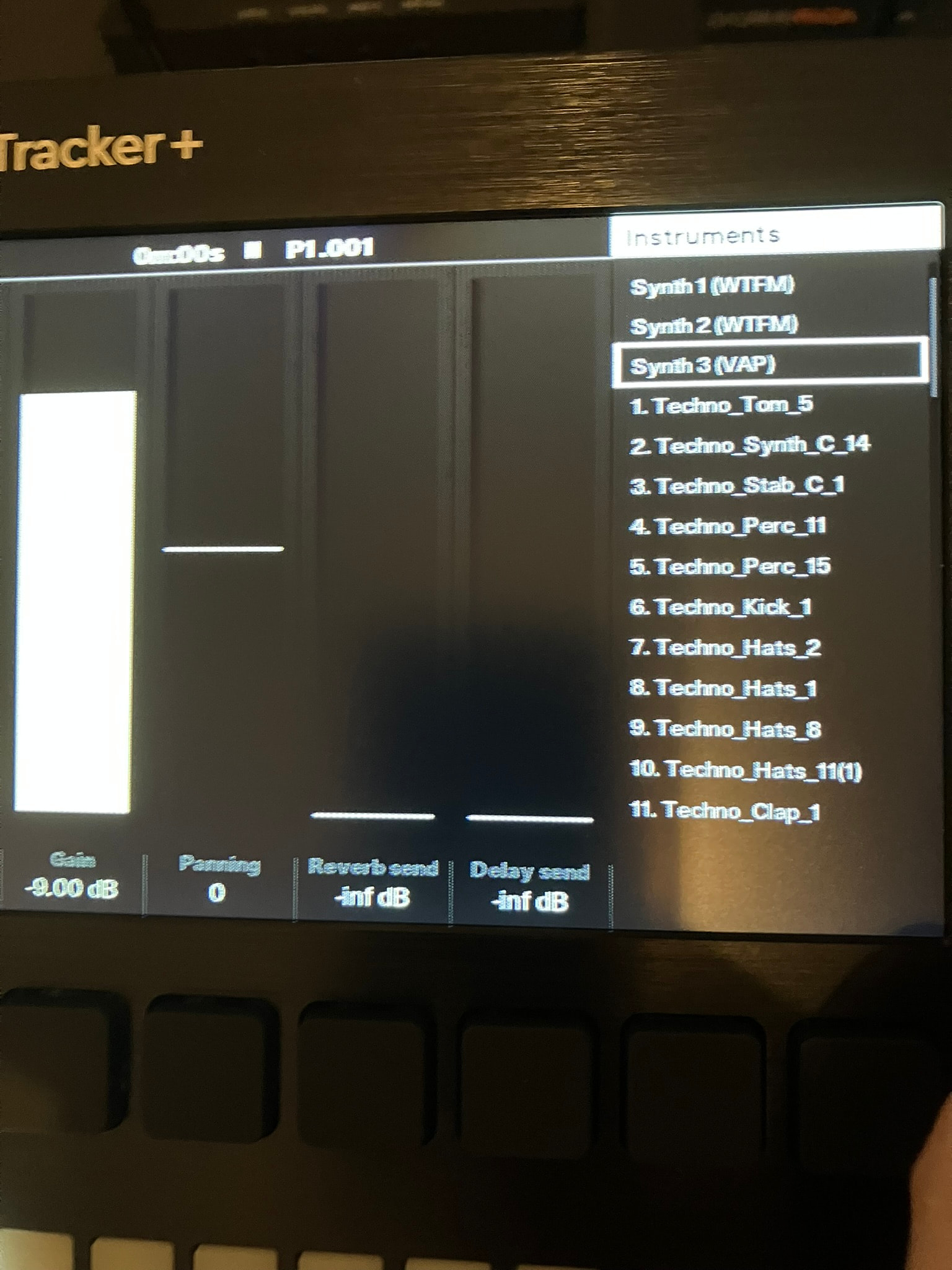
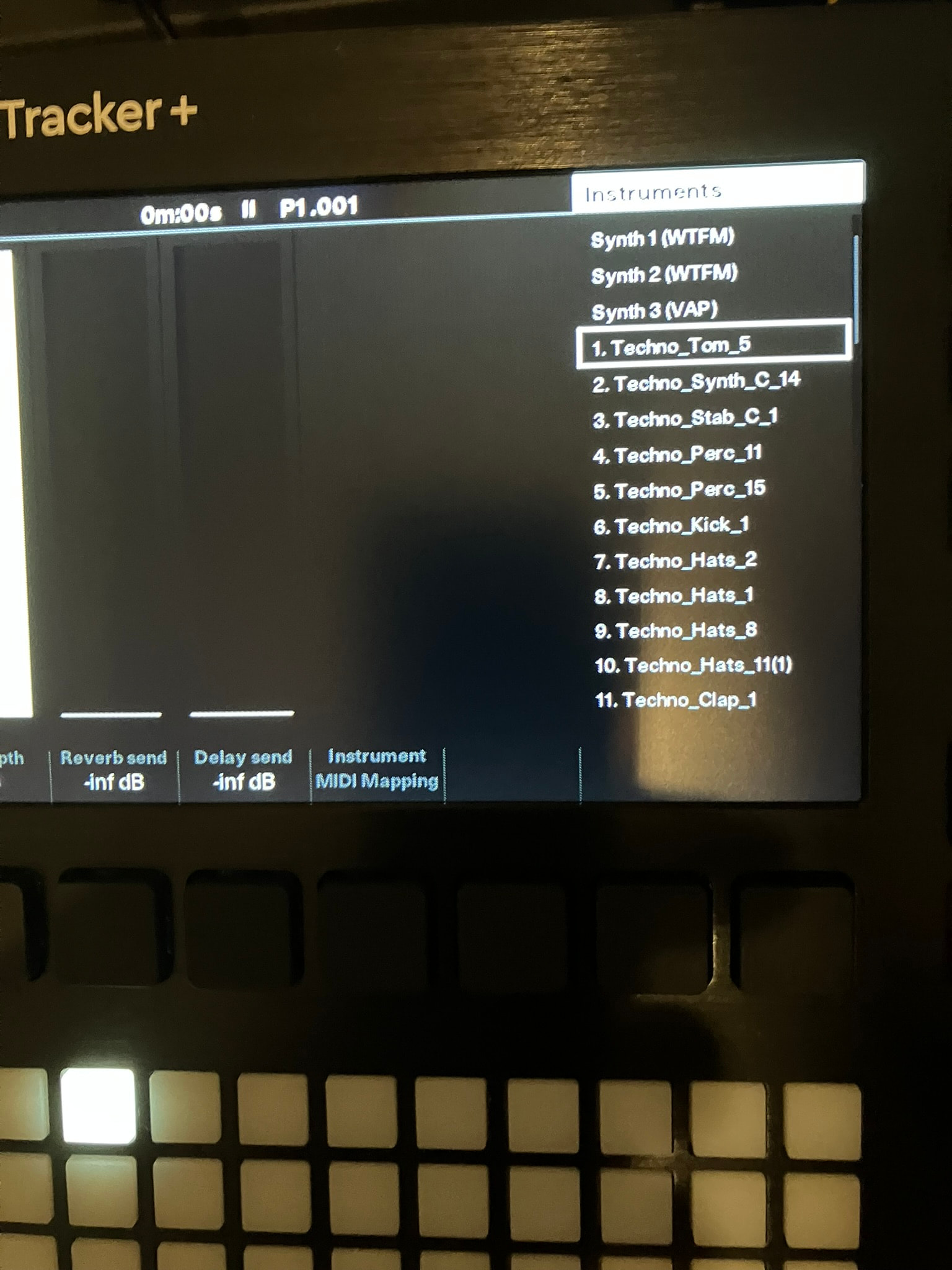
If I have a sample assigned to a track, I can trigger notes with the Beatstep, when I select the synth track, I was expecting the notes would now trigger the current selected ‘instrument’ but it just triggers the last selected sample.
I miss the option to assign a MIDI channel to the synth track/instrument. The manual states:
Also tried to set the note in ch. to channel 5 as well as the cc in ch., this lead to not even playing the sample anymore, so MIDI ch. 1/ALL seems the only working option.
As the MIDI sync is still so horrible on Tracker + and Mini (unfortunately) and I’m not able to sync it up to any of my gear in sequencer mode, I now at least want to use it as an instrument. Now it’s just two expensive toys with no real use.
Hi there @edruskin. I can see where this can be a bit confusing. The MIDI instrument is for when you’re going the otherway around, sending MIDI out of the Tracker to a MIDI device.
For your scenario, you setup your MIDI Channels in the Tracker’s Config→ MIDI menu.
After that, assign PERCs to a Synth Engine and load that as an instrument into a track (the engines are options 1-3 in the instrument list).
When you refer to MIDI instrument which I guess you mean a selected M01-M016 as instrument instead?
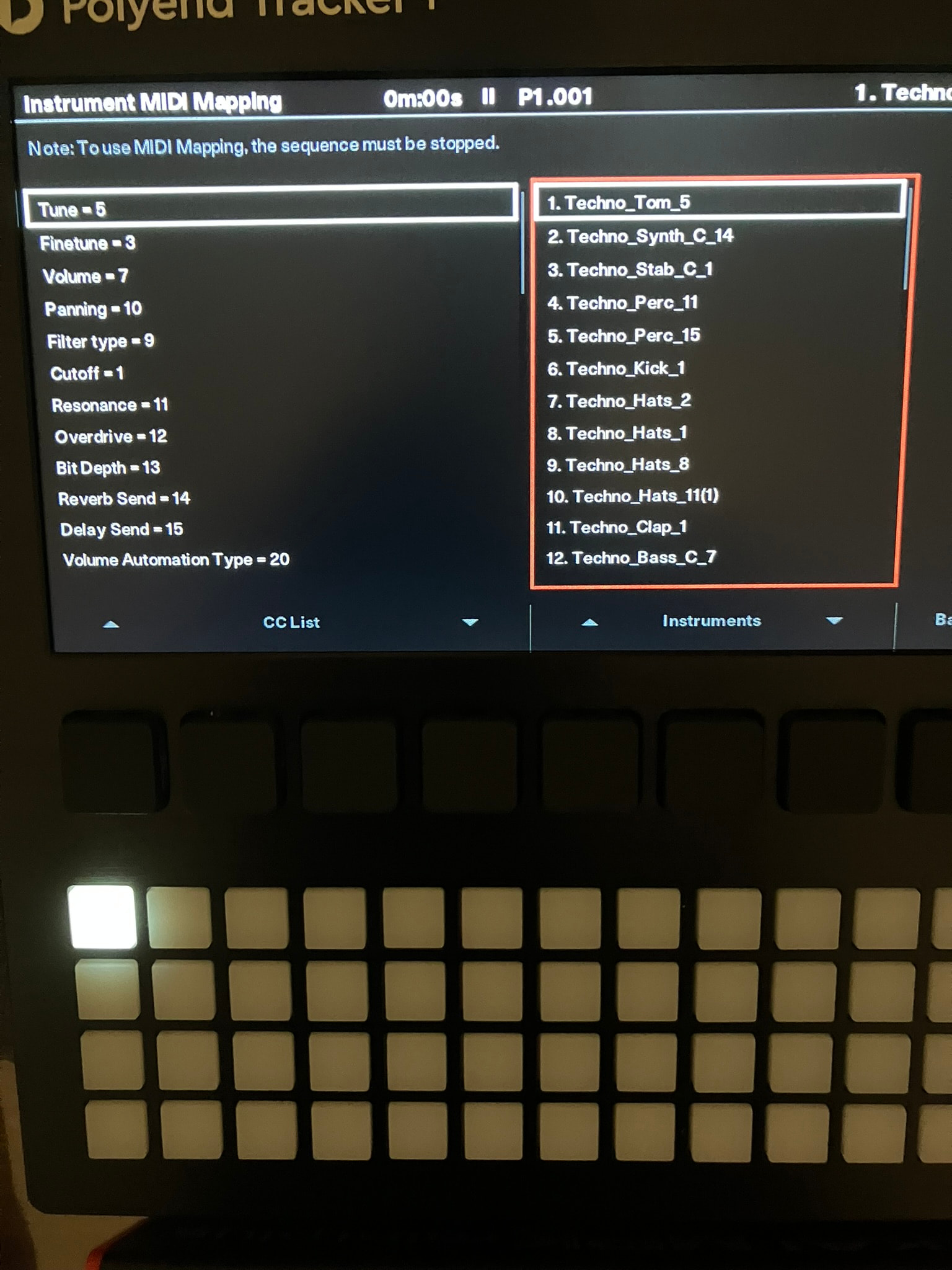
I meant the Instrument MIDI Mapping page for CC values that is visible in UI when I selected a sample or a tracker instrument/kit) but is NOT available for PERC or VAP or whatever engine is selected.
So The CC values listed there are then NOT for incoming MIDI to control the instrument track?
Why is there a CC# assigned to for example granularity when this is a also a setting for the active instrument?
Also the manual states:
”The MIDI synthesizer mode is a feature that allows integration when controlling Tracker+ from an external MIDI device and by controlling up to 8
voices across MIDI. Tracker+ will operate as a secondary follower to an
external controller which will be able to play and control Tracker+
instruments.
Yeah I was focusing on first getting MIDI note in working because if that would confirm that it’s receiving MIDI then we could move to the more complicated stuff
To use CC with the internal Synths, you need to assign the parameter(s) you want to control to a Marco and then assign that Macro to a Performance FX lane which have designated CC values (The values are listed in the Tracker’s Config→MIDI CC options)
EDIT; @Sandroid beat me by a couple of minutes, and explained much better
I now have notes incoming, I had to reset to defaults and start a new project, maybe something was carried over from older firmware version or settings.
But I noticed something else, when experimenting with clock correction and saving the project while Transport was still running and notes came in, it completely crashed/froze the Tracker+ multiple times, so I had to remove the power to turn it off. Is this a known problem?
Are there plans to increase the number of instruments you can play at the same time by assigning different MIDI channels?
In theory it should be possible to trigger all 8 sample tracks plus the synths from external MIDI, just to be able to play one channel like it is right now, sounds like a limitation that doesn’t need to be in place at all.
And another question, I noticed that one Beatstep Pro encoder (step 9) seems already to be mapped to I guess “cutoff frequency”. When I look at the edit patch screen at the same time, I was expecting to see values changing but you can only hear the changes.
Is the CC value change not displayed in the UI when adjusting it?
Many hours later of testing, I have to come to the conclusion that this doesn’t work reliably at all.
Both Trackers stop receiving notes completely after what seems a random amount of time or a random amount of transport messages.
Long notes send from ext. sequencer stop playing when switching from master screen to the performance screen on the tracker and start playing with later notes (dropping x amount of it)
Sometimes when it’s working for a few minutes, it stops receiving notes completely after transport stop / start messages and I have to restart the devices to receive notes again.
Is there a good resource on how to do this, especially the mapping part?
I struggle to find any info that’s addressing the internal synths with ext. MIDI cc.